
Intelligent AI PDF Summary Generator

Go beyond a simple summary. Instantly extract key insights from any PDF, then transform them into editable slides, diagrams, and reports with PageOn.ai.

Freely import your PDF files or type in your thinkings and questions, waiting for a dynamic visual presentation pages.

Click this card to select files for uploadMaximum file size: 10MB

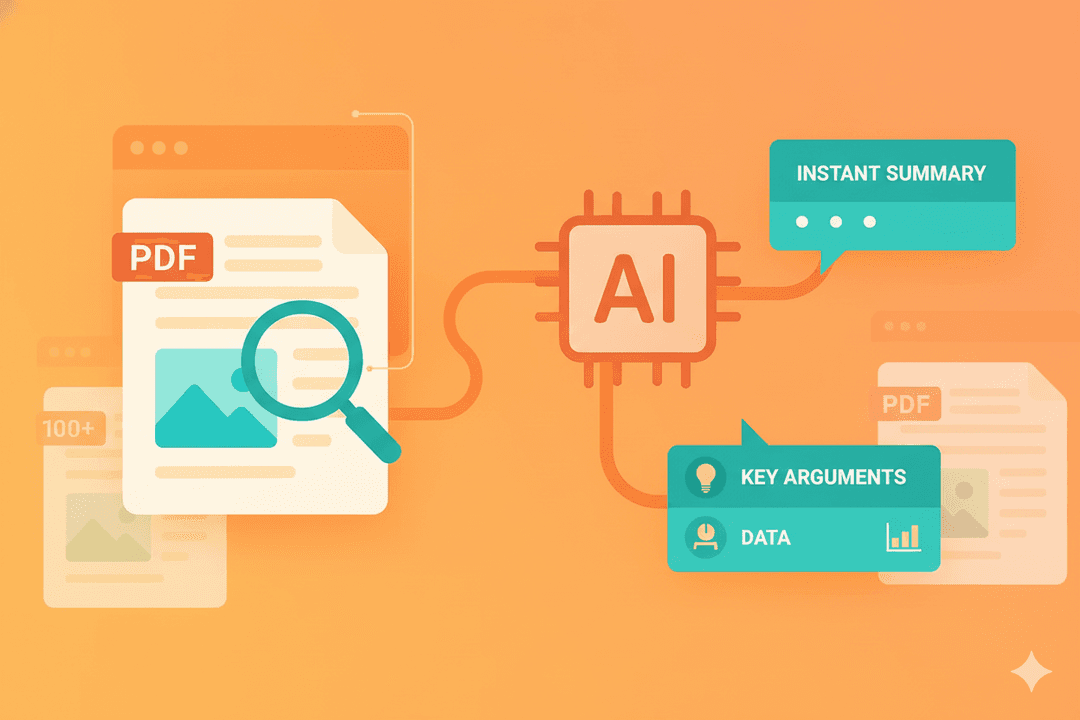
Get Instant Clarity from PDFs

Stop searching through pages. Our AI reads your document and provides a concise, high-quality summary in seconds.

Extract Key Arguments & Data

Our AI identifies the core thesis, supporting data, and conclusions for a comprehensive overview.

Handle Complex, Lengthy Documents

Effortlessly get a summary from dense 100+ page reports, academic papers, or financial statements.
Email Marketing Feature

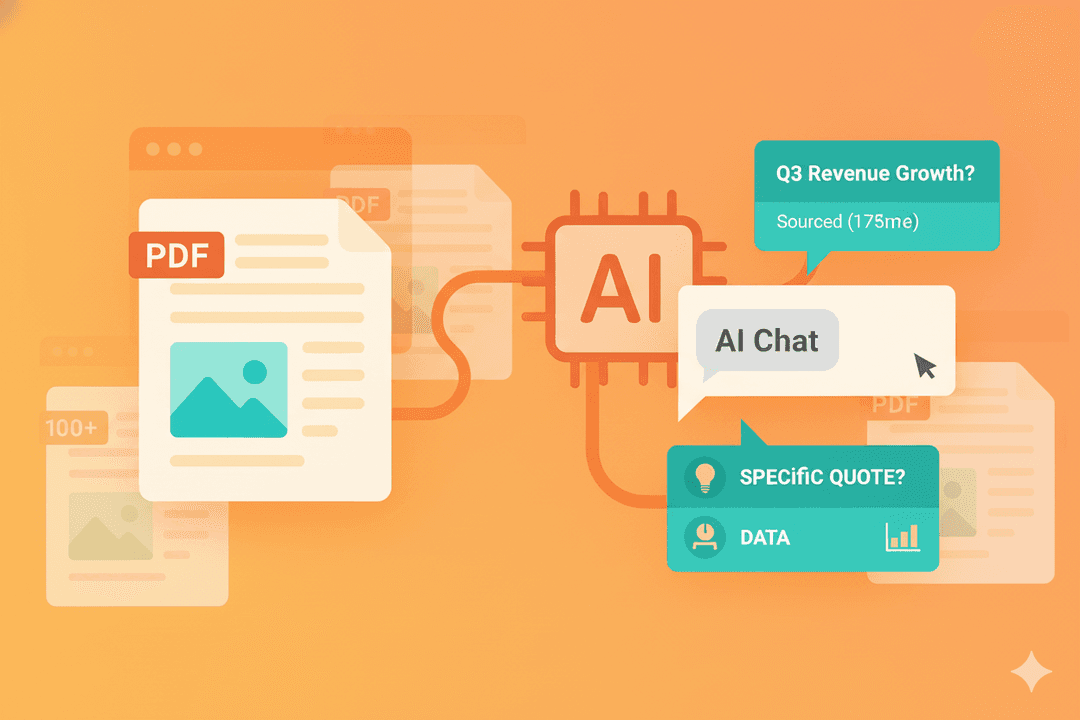
Deepen Understanding with AI Chat

A summary is just the start. Interact with your document to find the exact information you need.

Ask Questions, Get Sourced Answers

Ask specific questions like, "What was the revenue growth in Q3?" and get instant answers, turn into visual presentation.

Find Specific Data Instantly

Use the chat to locate specific figures, quotes, or mentions without rereading the entire document.
Email Marketing Feature

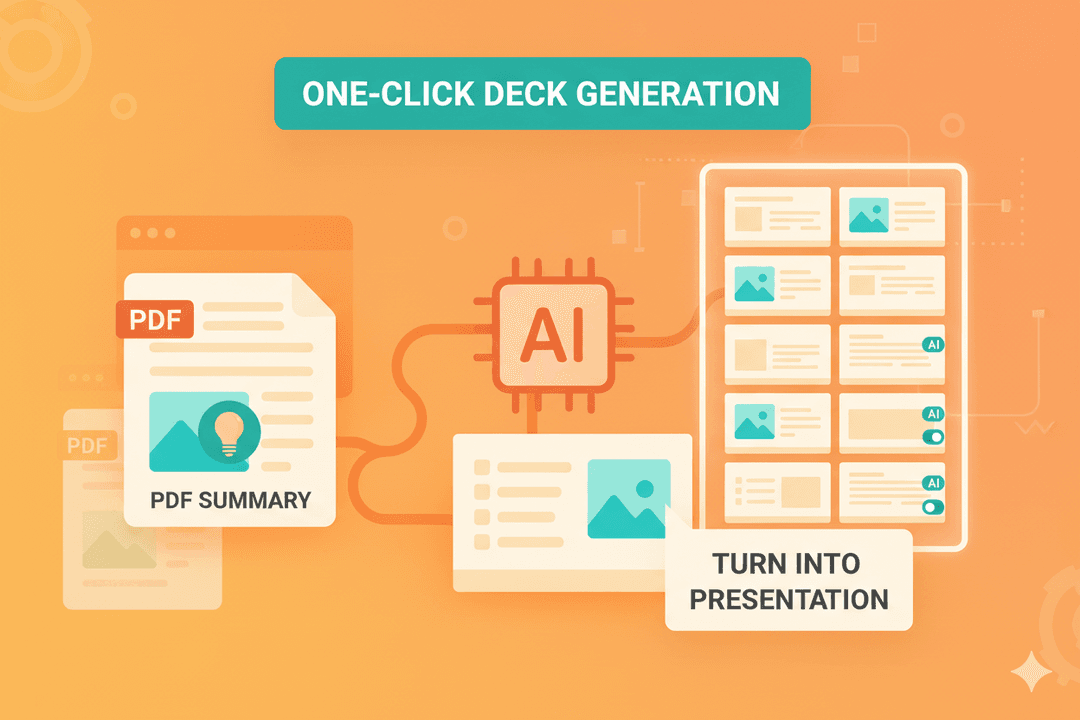
Turn Summaries into Presentations

Activate your insights. Convert your PDF summary into a fully editable, presentation-ready slide deck in one click.

From Summary to Slides Automatically

Our AI takes the summarized points and automatically generates a structured, multi-slide presentation.

Edit and Refine with AI Blocks

Each part of your new presentation is a flexible AI Block, ready to be edited.
Email Marketing Feature

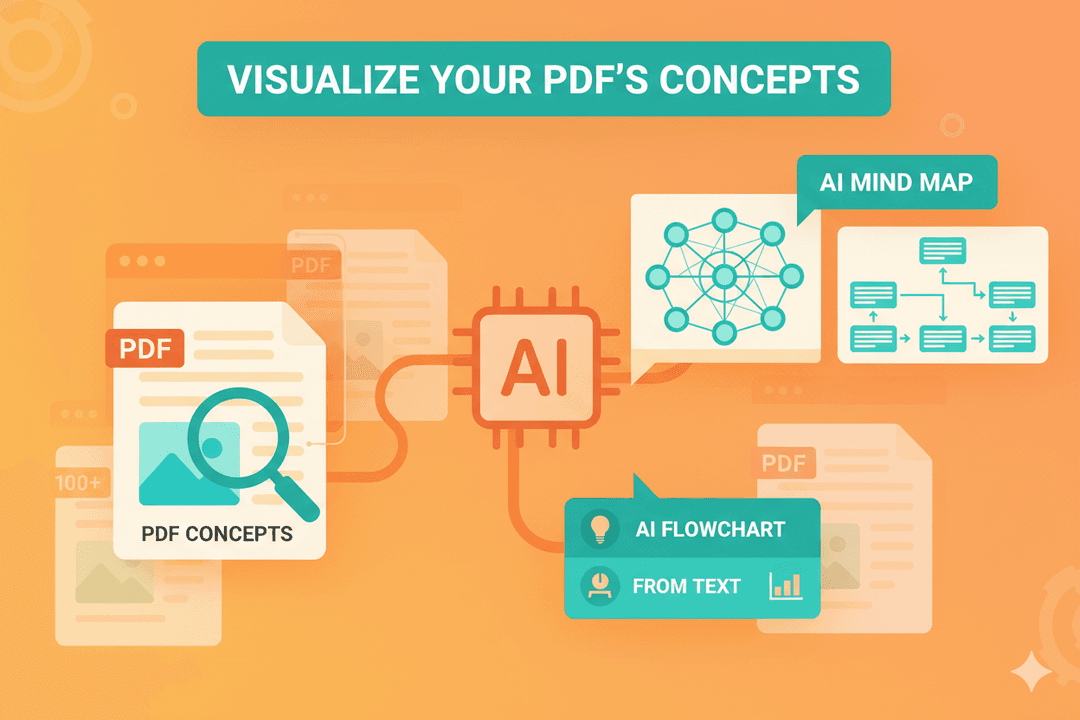
Visualize Your PDF's Concepts

Transform complex text into clear visual aids. Our AI can create diagrams directly from the document's content.

Generate an AI Mind Map

Create a mind map from the PDF's key themes to visualize the document's structure.

Create AI Flowcharts from Text

Our AI can identify processes within the text and automatically build a professional flowchart.
Email Marketing Feature

FAQ

1. How is PageOn.ai's PDF summarizer different from read-only tools like ChatPDF?
While tools like ChatPDF are great for asking questions, PageOn.ai is a full creation suite. We see the summary as the first step. You can instantly take that summary and convert it into a fully editable PowerPoint presentation, create a mind map from it, or use the insights as building blocks for a new report.
2. What’s the best workflow for turning a long research paper into a presentation?
The most efficient workflow is: 1) Upload your PDF to get an instant AI summary. 2) Use AI Chat to pull specific data points or quotes you need. 3) Click "Convert to Presentation" to have the AI generate a draft slide deck. 4) Refine the slides using our AI Blocks editor. You go from a dense paper to a polished presentation in minutes.
3. Can the AI create visuals, like a chart, from data inside my PDF?
Yes. If our AI identifies tabular data or key statistics in your PDF, it can automatically generate corresponding charts (bar graphs, pie charts, etc.) when it creates your presentation, saving you the manual work of data visualization.
4. How can I trust the AI summary for a highly technical or legal document?
Our summarizer provides verifiable accuracy. Key statements in the summary are linked back to their original source in the PDF. This allows you to instantly check the context for any critical information, making it reliable for technical papers, legal contracts, and financial reports.
5. Can I use this for scanned PDFs or images of text?
Absolutely. Our system includes advanced Optical Character Recognition (OCR). When you upload a scanned PDF, it automatically converts the image into selectable text. You can then summarize, chat with, and convert the content just like a regular PDF.
6. For team collaboration, how can we use a PDF summary most effectively?
You can summarize a document and share the PageOn.ai page with your team. This allows everyone to not only read the same summary but also use the AI Chat to ask their own questions and collaboratively build a presentation from the shared insights, ensuring everyone is on the same page.