
AI-Powered CSV to PowerPoint Conversion

Effortlessly transform your raw CSV data into compelling, presentation-ready PowerPoint slides. Let our AI automatically create clear, editable charts and tables for you.

Freely upload your CSV files and convert them to a ready presentation

Click this card to select files for uploadMaximum file size: 10MB

Intelligent Data-to-Chart Automation

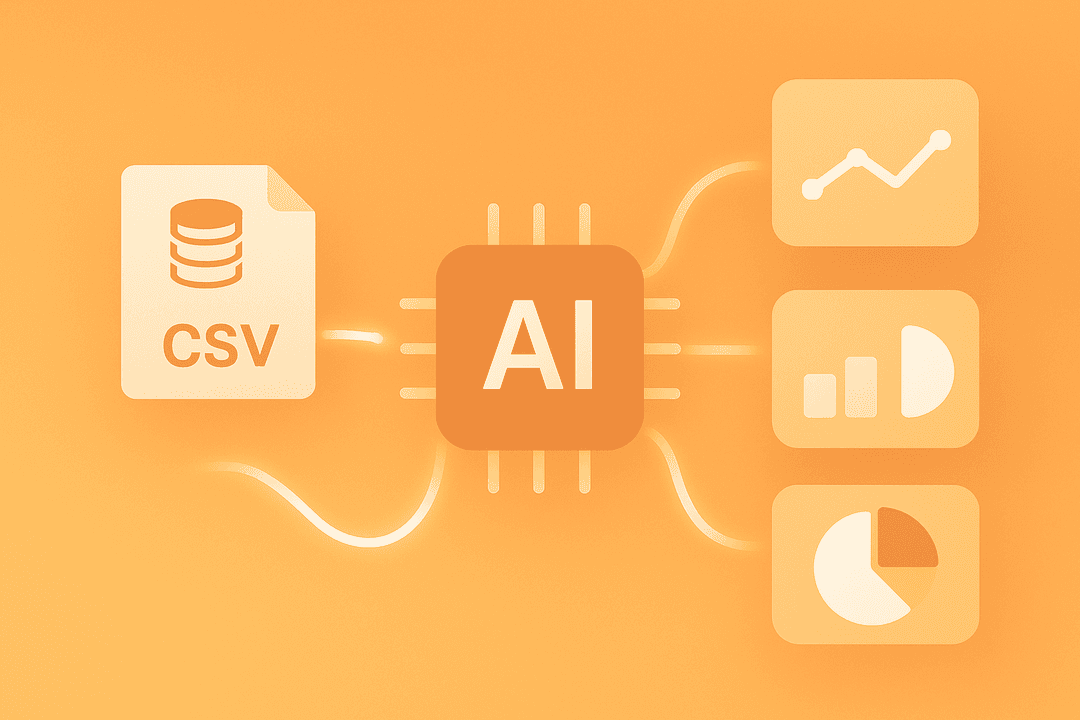
Our AI reads your CSV file and instantly transforms raw data into insightful, presentation-ready charts.

Automatic Chart Type Recommendation

The AI suggests the best chart (bar, line, pie) to visually represent your data.

Visualize Data Without Manual Effort

Generate clear data visualizations for sales figures, marketing analytics, or any operational report in seconds.
Email Marketing Feature

Create Clean, Structured Tables

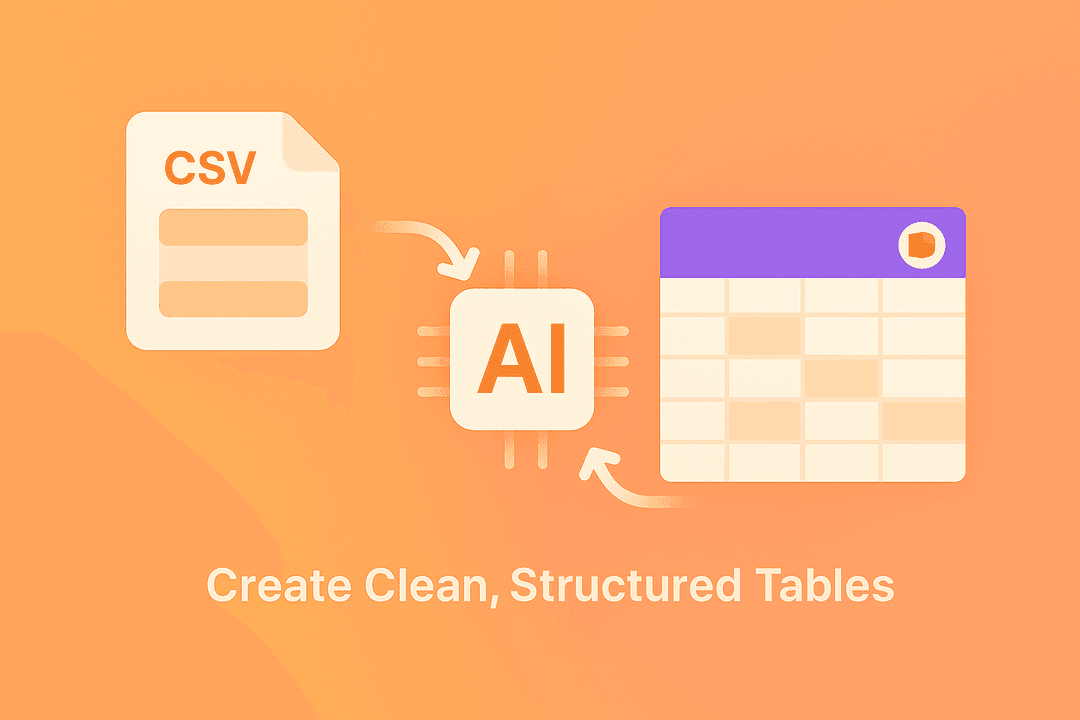
Present your detailed data with absolute clarity by converting CSV rows into polished PowerPoint tables.

Preserve Your Original Data Integrity

Your rows and columns are intelligently converted into a clean, easy-to-read table format.

Customize Table Styles and Branding

Easily adjust table designs and colors within PowerPoint to perfectly match your company's branding.
Email Marketing Feature

Fully Editable & Dynamic Reports

Your output is not a static image. It is a live PowerPoint file ready for refinement.

Directly Edit Charts and Figures

Need to update a number? Simply edit the data directly within your PowerPoint chart.

Refresh Data for Recurring Reports

Automate weekly or monthly reporting by updating your presentation with a new CSV file.

Email Marketing Feature

Fast, Secure, and Integrated Workflow

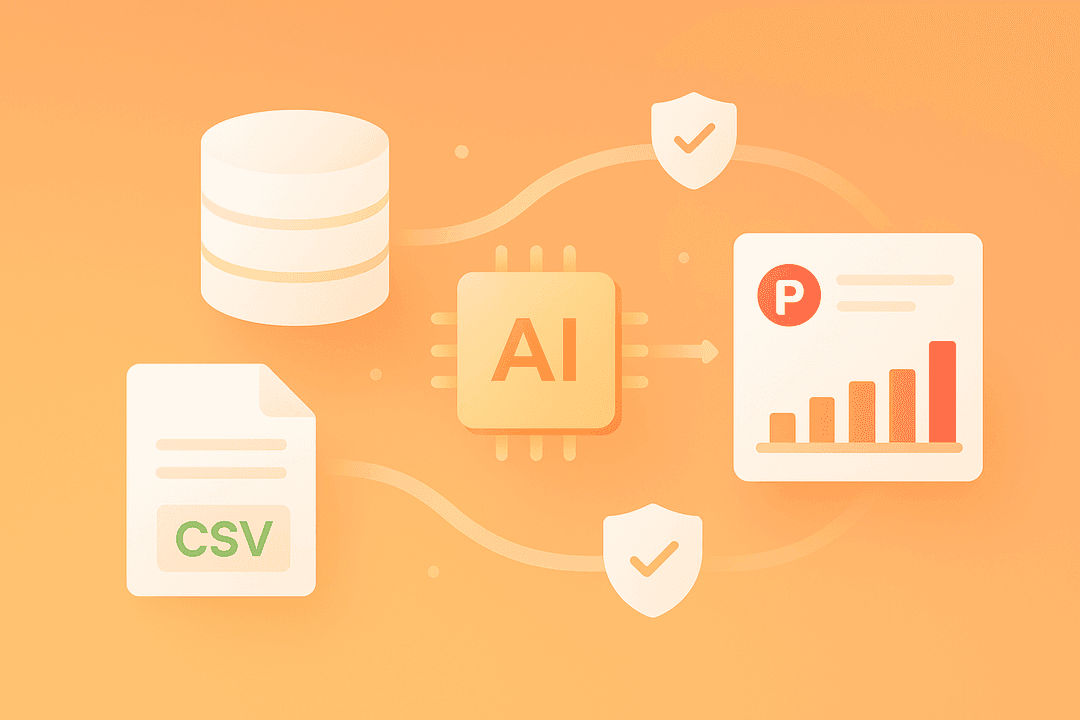
Save hours of manual work with a secure, cloud-based tool designed for modern business needs.

Generate Reports in Under a Minute

Go from a complex CSV file to a professional PowerPoint presentation almost instantly.

Secure Handling of Sensitive Data

Your business data is protected with TLS encryption and automatically deleted after a short period.
Email Marketing Feature

FAQ

1. How does the AI know which chart to create from my CSV?
PageOn.ai analyzes the structure of your CSV, including column headers and data types (e.g., dates, numbers, categories). Based on this analysis, it recommends the most effective chart type—like a line chart for time-series data or a bar chart for comparisons—to tell a clear story.
2. Can I choose which data from the CSV to include?
Yes. Before finalizing the conversion, you will have options to select the specific columns or data ranges you wish to visualize. You can also use our AI Chat to say, "Only show sales data for the North America region."
3. Is the generated PowerPoint chart or table editable?
Absolutely. All charts and tables created in the PowerPoint file are fully native and editable. You can change data, update labels, adjust colors, and even modify the chart type directly in PowerPoint without needing to go back to the original CSV.
4. How do you ensure the security of my business data?
We prioritize your data's security. All file uploads and transfers are protected by strong TLS encryption. Furthermore, your uploaded CSV files and the presentations you generate are automatically and permanently deleted from our servers after a short period.
5. Is this tool suitable for large CSV files?
Yes, PageOn.ai is designed to handle large CSV files efficiently. While processing time may vary with the file's complexity, our tool is optimized to parse and visualize thousands of rows of data for your business intelligence and reporting needs.
6. How is this better than importing a CSV into Excel and then copying to PowerPoint?
PageOn.ai automates this entire manual process. Instead of multiple steps of importing, creating a chart, copying, pasting, and resizing, our tool does it all in one click. Our AI also provides intelligent chart recommendations, saving you the time of figuring out the best way to present your data.