Instant Markdown to PowerPoint Conversion
Focus on your content, not formatting. Paste your Markdown text and let our AI instantly generate a beautiful, presentation-ready PowerPoint deck for you.
Freely upload your Markdown files and convert them to a ready presentation
Click this card to select files for uploadMaximum file size: 10MB
Flawless Markdown Syntax Recognition
Our converter respects the Markdown you love, intelligently translating every element into beautiful presentation slides.
Headers, Lists, and Links Preserved
Your # headers become slide titles and your lists are perfectly formatted, saving you time.
Pristine Code Block Highlighting
Paste your code snippets and we’ll apply syntax highlighting automatically in your PowerPoint slides.
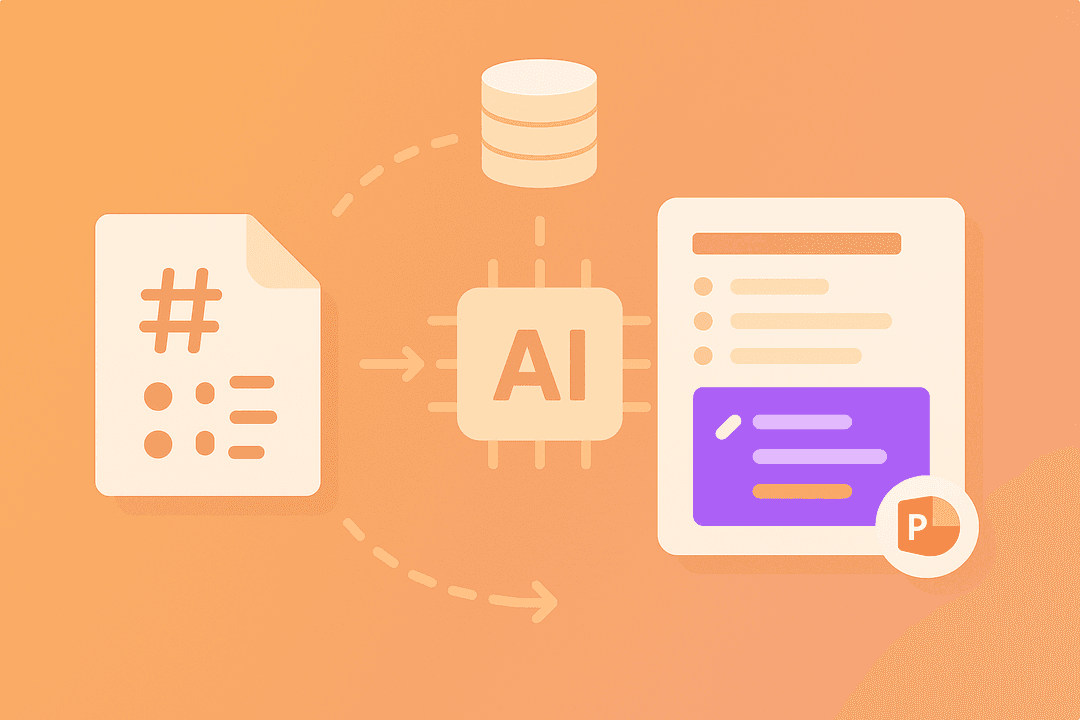
AI-Powered Professional Slide Design
Go beyond plain text. Our AI applies professional layouts, fonts, and modern themes to your content.
From Plain Text to Stunning Visuals
Our AI designer automatically chooses the best layout for your content, creating engaging slides.
Customizable Themes and Company Branding
Quickly apply your company’s branding or choose from a library of professionally designed presentation themes.
Transform Text into Smart Diagrams
Elevate technical presentations by turning process descriptions into clear, visual diagrams and flowcharts automatically.
Generate Flowcharts From Your Notes
Describe a technical process in your Markdown and our AI diagram tool will visualize it.
Enhance with Intelligent Iconography
Our AI suggests and inserts relevant icons for key points, making your content more scannable.
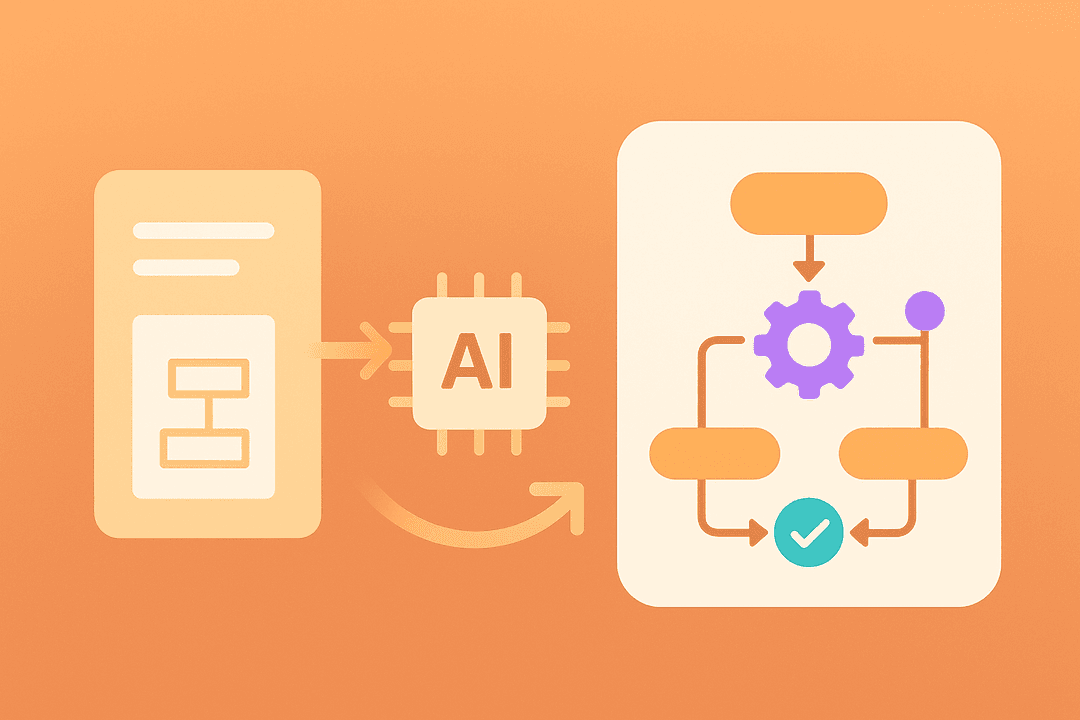
Streamline Your Technical Workflow
Move from your favorite editor to a finished presentation in seconds, not hours of tedious work.
From GitHub to a Presentation Fast
Easily convert your README.md files or technical documentation into a deck for your next meeting.
Secure, Web-Based, and No Installs
Enjoy a fast and secure conversion process entirely in your browser with nothing to download.