PageOn.AI Logo

Create Stunning AI Visual Presentations

Go beyond templates. Our AI generates compelling visual aids, data visualizations, and professional graphics, transforming your core message into an unforgettable visual story.

Freely type in your ideas, questions, thinkings or import your files, waiting for a dynamic visual presentation pages.

Click this card to select files for uploadMaximum file size: 10MB

Automated and Intelligent Slide Design

Our AI acts as your personal designer, creating unique and effective visual presentation layouts for you.

Generate Custom Layouts from Content

The AI analyzes your text to create slide designs that clarify your message effectively.

Instantly Find Relevant Presentation Graphics

Our system automatically finds and suggests high-quality images and icons that match your topic.
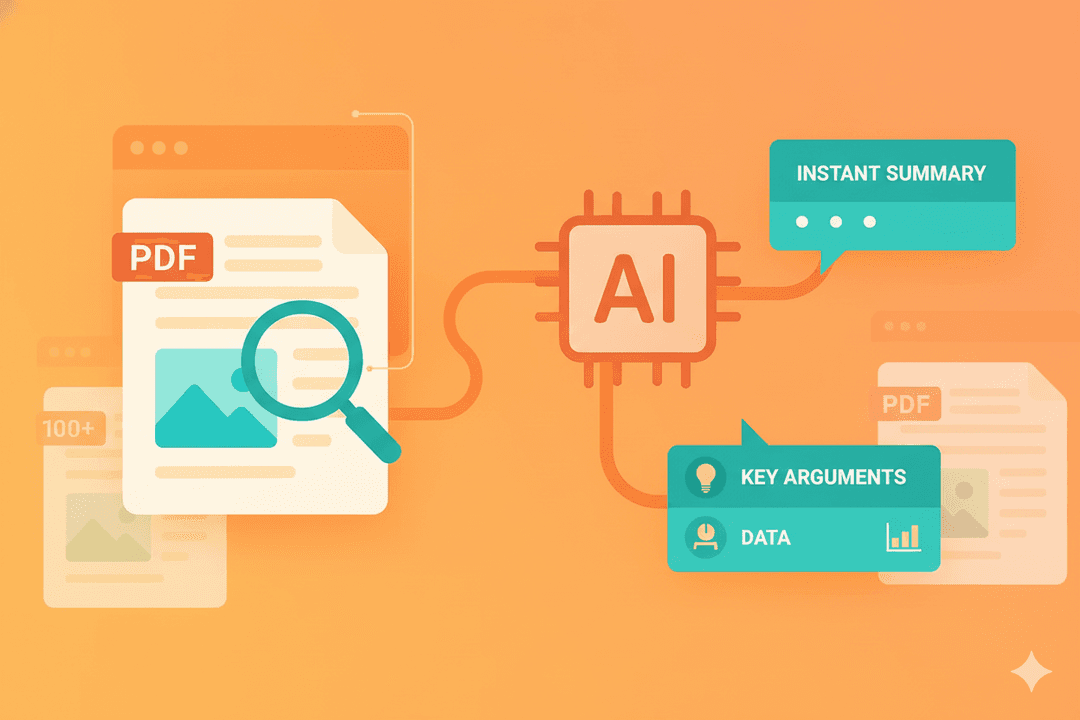
Email Marketing Feature

Powerful Data Visualization, Simplified

Effortlessly convert complex data into clear, persuasive charts and compelling infographic slides that anyone can understand.

Turn Raw Data into Clear Charts

Simply paste your data or text, and our AI will build the right chart.

Create Compelling Infographic Slides

We help you create modern, infographic-style slides to make your key statistics memorable.
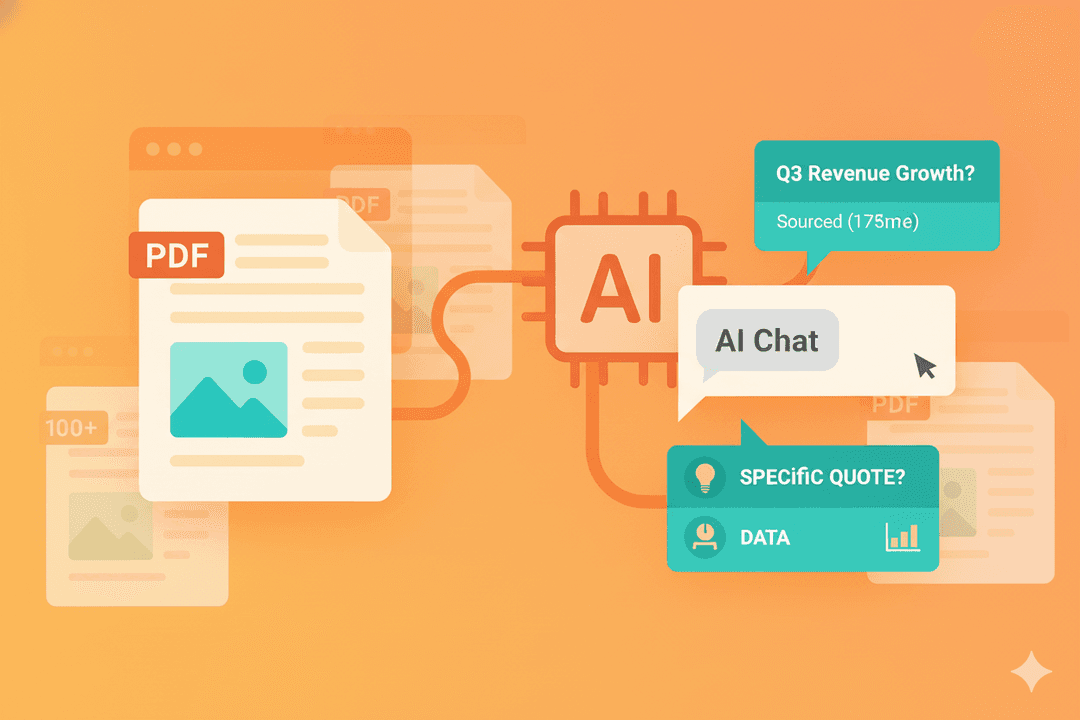
Email Marketing Feature

Craft a Cohesive Visual Story

Ensure every visual element works together to build a powerful narrative and maintain a professional brand image.

Maintain Consistent Branding Automatically

Your brand colors and logos are applied across every slide for a polished, consistent look.

Structure Your Narrative with AI

Our AI helps organize your slides into a logical flow to build a persuasive story.
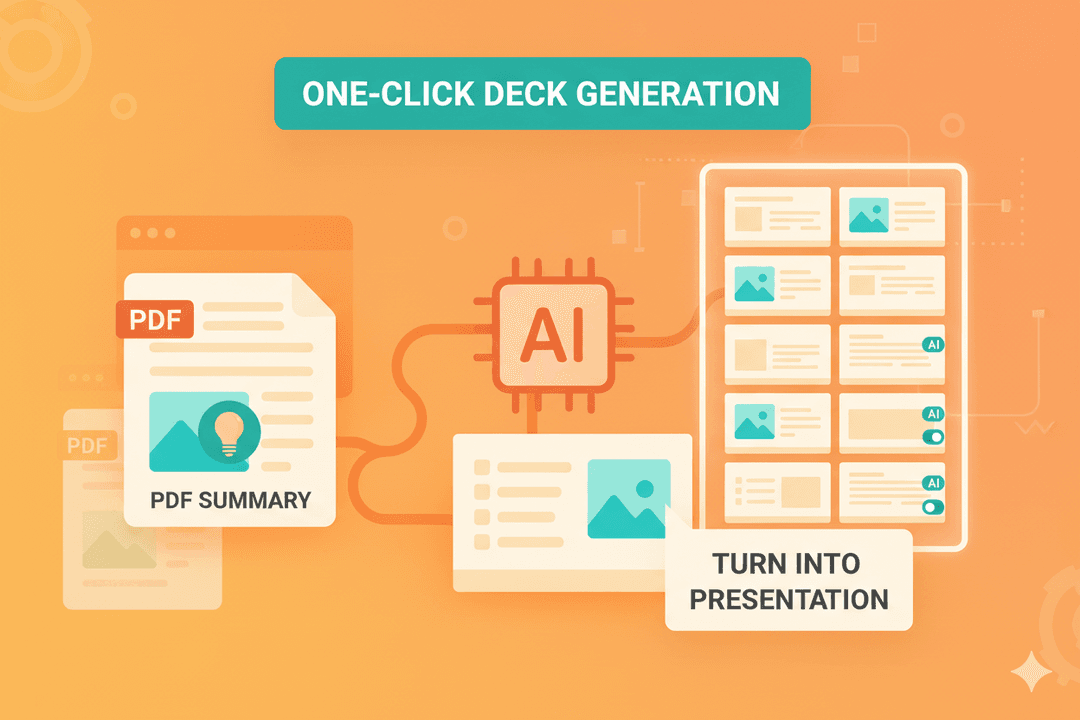
Email Marketing Feature

Engage with Dynamic Visual Aids

Move beyond static bullet points with AI-generated diagrams that explain complex ideas with exceptional clarity.

Generate Diagrams from Simple Text

Describe a process, and our AI will automatically create a professional flowchart or diagram.

Build with Flexible AI Blocks

Every visual is an editable block, giving you complete control to rearrange and customize.
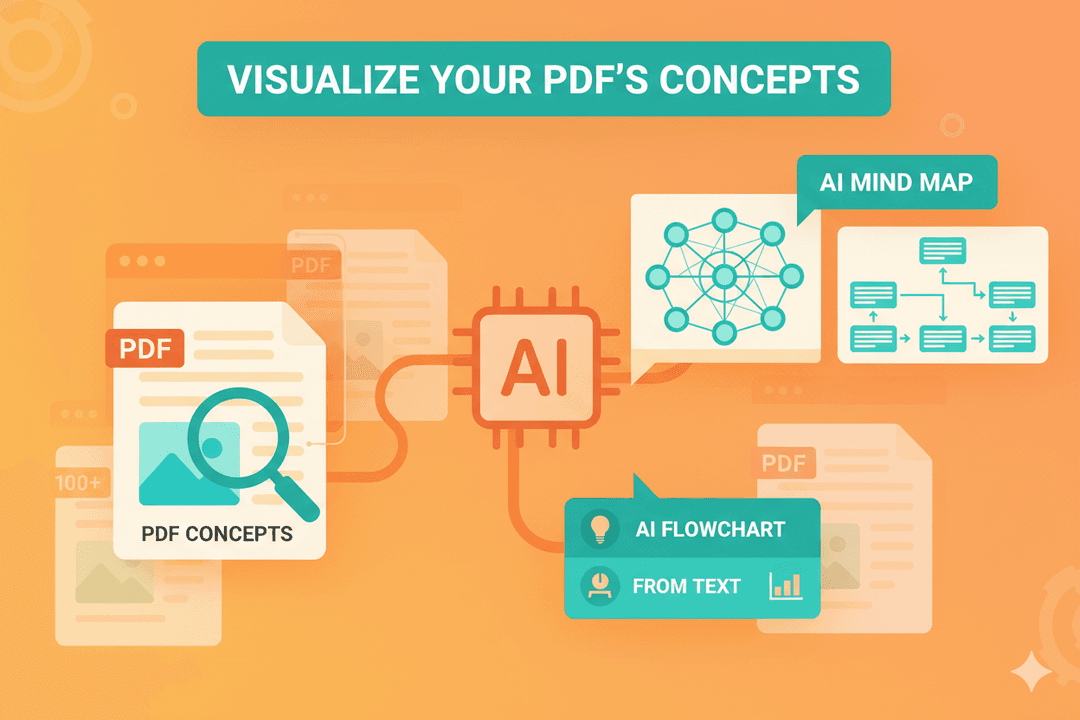
Email Marketing Feature

FAQ

1. For creating a visual presentation, how is PageOn.ai different from using Canva's templates?
Canva provides beautiful templates and the tools for you to manually design your slides. PageOn.ai acts as your AI assistant; it generates the initial presentation structure, writes content, and creates custom visuals for you based on a simple prompt. We automate the creative process, not just the design tools.
2. What's the best way to create data visualizations for my presentation if I'm not a designer?
The best way is to let our PageOn AI visual presentation tool handle it. Instead of manually choosing chart types in PowerPoint or Google Slides, you can simply provide your data (even in plain text) and ask the AI to "visualize this." It will recommend and create the most effective chart to make your data clear and persuasive.
3. Can I make infographic slides without needing a specialized tool like Venngage?
Yes. You can input your key statistics and points, and our AI will automatically structure them into clean, well-designed infographic slides. It combines strong design principles with your data to create visuals that are both informative and engaging, directly within your presentation workflow.
4. My slides are always too text-heavy. How can AI help me make them more visual?
PageOn AI slides is specifically designed to solve this. It automatically identifies opportunities to break up long text into bullet points, suggests turning lists into diagrams, and finds relevant icons and images to create a better balance between text and visuals, making your slides more engaging.
5. If my goal is to create a professional visual presentation fast, what's the typical workflow?
The workflow is incredibly fast: 1) Start with any input—a document, a URL, or a simple idea. 2) Our AI generates a complete first draft, including text, structure, and custom visual aids. 3) You spend a few minutes refining the output. You can go from a concept to a polished draft in under five minutes.
6. How does the AI ensure the presentation graphics it creates are actually relevant?
Our AI uses advanced Natural Language Understanding (NLU) to analyze the core concepts of your text. It doesn't just match keywords; it understands the context, ensuring the charts, diagrams, and images it generates are thematically appropriate and genuinely support your message.