
Turn Any PDF into a
Designed Presentation
Made by AI
Upload a PDF. AI reads your content and designs a visual presentation — custom layouts, generated charts, infographic elements. Not bullet points on templates.
Free to start · No credit card · Export to PPTX on Pro
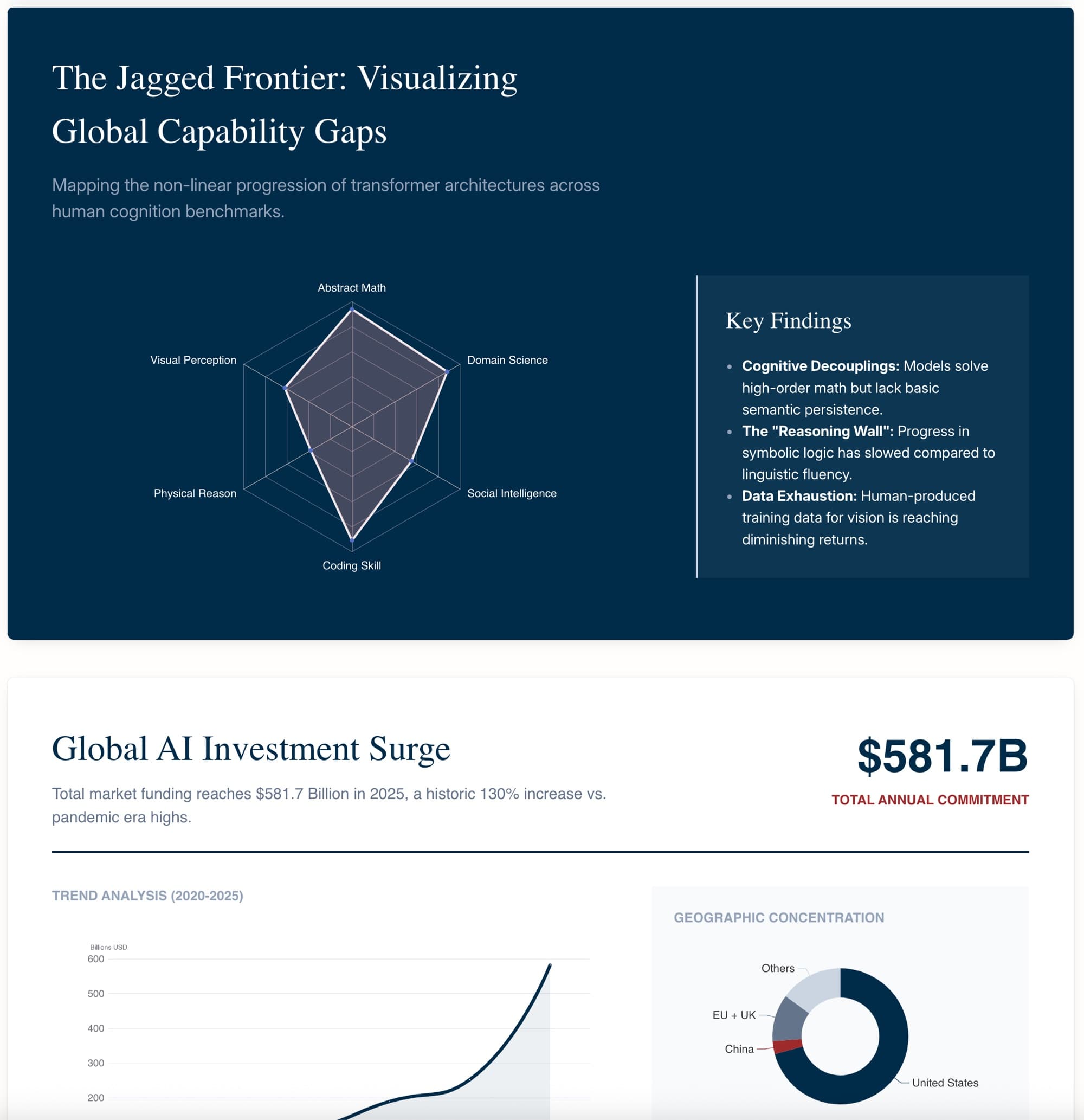
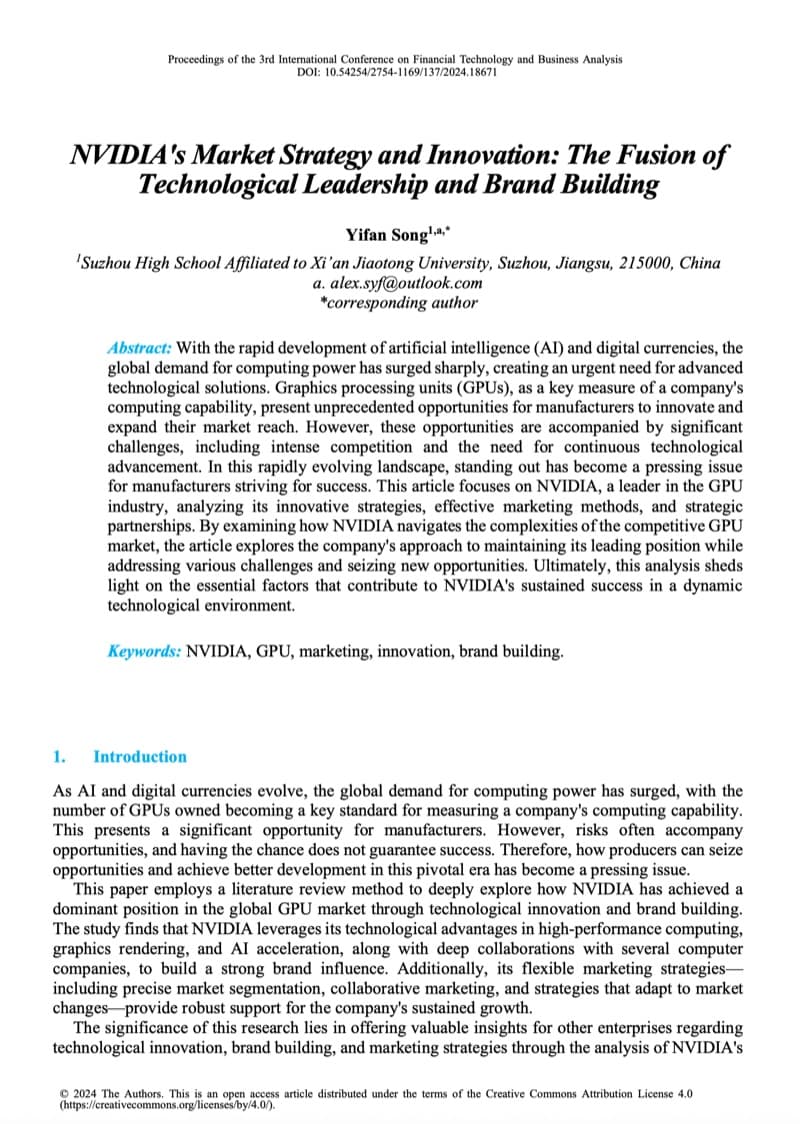
Other tools extract text and fill a template. PageOn designs.
- ✗Extract text, dump it onto bullet-point templates
- ✗Same generic layout for every slide
- ✗Numbers stay as text — no data visualization
- ✗Output looks like a reading assignment
- ✓AI understands content, designs a visual narrative
- ✓Custom layout for every slide — no recycled templates
- ✓Data in text becomes charts, timelines, and diagrams
- ✓Infographic-style visual hierarchy across slides
PageOn in one sentence: Upload a PDF and get a designer-quality presentation — with custom layouts, generated data visualizations, and infographic elements — not a text summary on bullet-point slides.
From PDF to visual presentation in four steps
- 01
Upload your PDF
Drag and drop your PDF or paste a link to a hosted document. PageOn reads the text content and understands the structure of your document.
- 02
AI reads your content and plans the narrative
The AI agent identifies key points, data, and arguments in your PDF, then plans a slide-by-slide narrative tailored to your audience.
- 03
AI designs every slide with custom visuals
Each slide gets its own layout with generated charts, diagrams, infographic blocks, and visual hierarchy — not a copy-paste of your PDF pages.
- 04
Edit with point-and-chat, then export
Select any element and chat with the AI to refine it. Export to PowerPoint (.pptx), PDF, or images with Pro, or share as an interactive web link on any plan.
Not starting from a PDF? PageOn also works with Word, CSV, plain text, URLs, Markdown, and images.
Your PDF content, redesigned for the stage
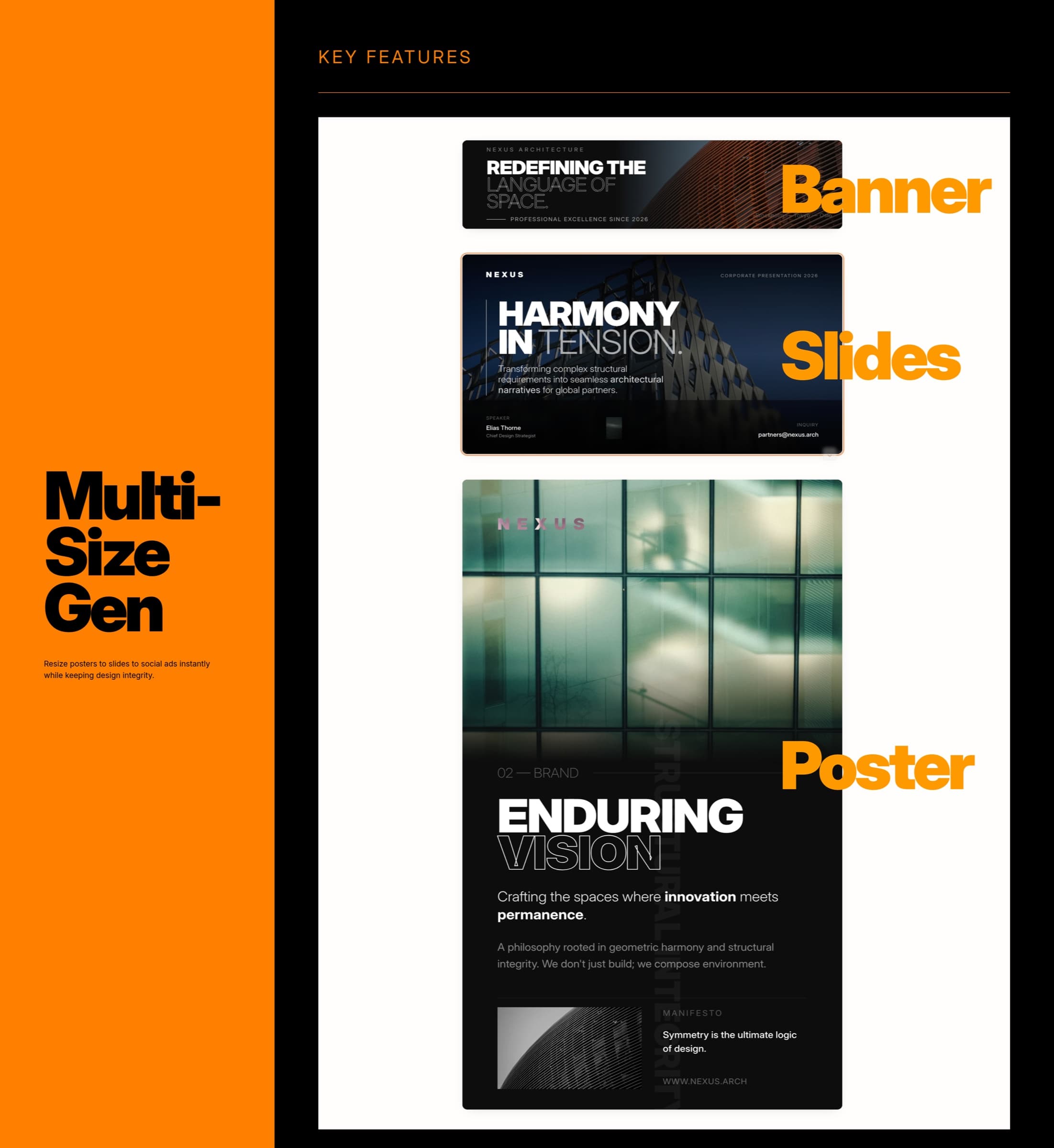
Content Intelligence
PageOn reads your PDF and identifies key arguments, data points, and structure — then decides what deserves a chart, what needs an infographic, and what works as a headline.
Visual Redesign
Instead of copying your PDF layout onto slides, the AI creates new visual layouts for each section — custom grids, visual hierarchies, and typography that make your content presentable.
Data Visualization
Numbers and data mentioned in your PDF become editable charts: bar, line, pie, timelines, comparison matrices, and diagrams — generated from the text, not extracted from images.
Brand Consistency
Apply your colors, fonts, and logo across every slide automatically. Stay on-brand without manual tweaking.
Every PDF. Every team. Presentation-ready.
From financial reports to research papers — see how different teams use PageOn to turn PDF documents into presentations that communicate.
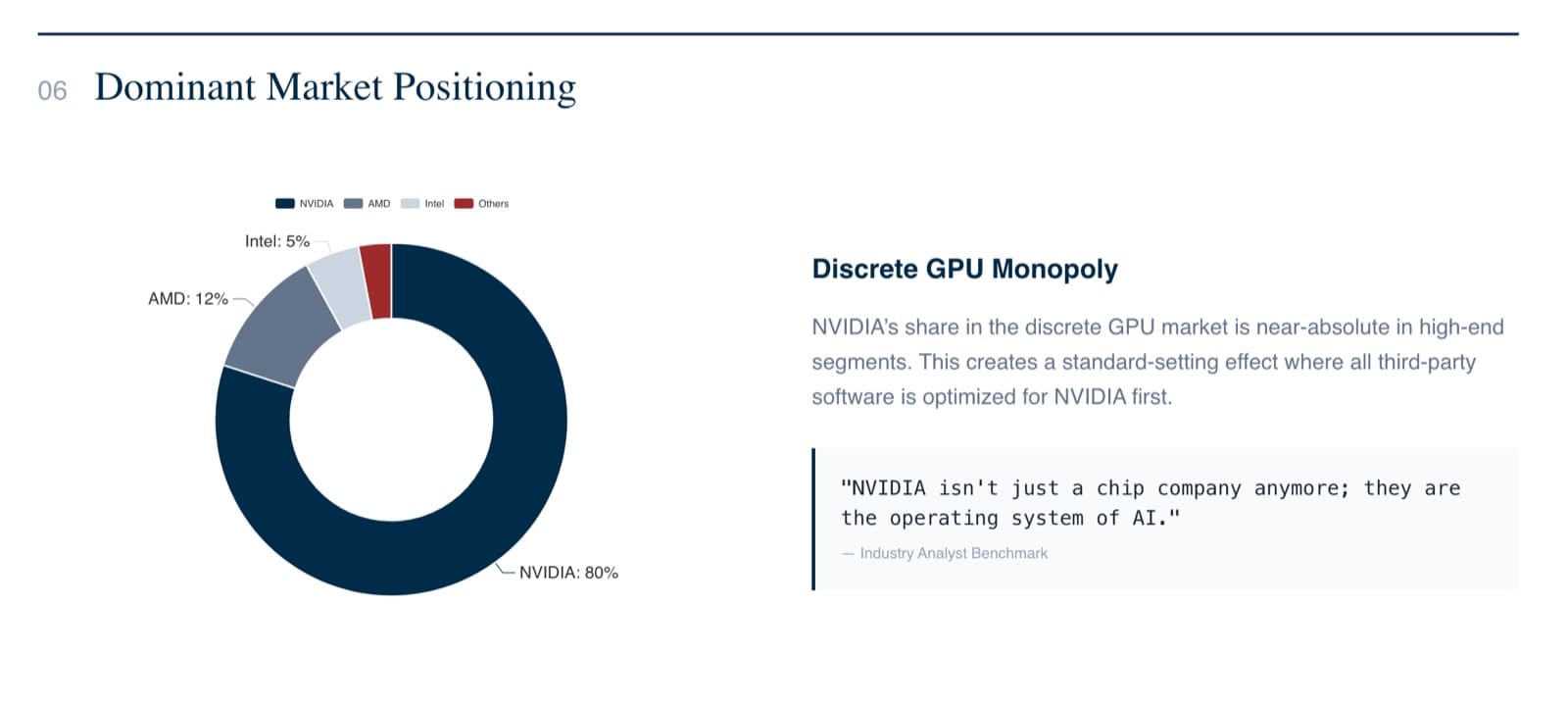
Financial reports to investor decks
Upload a quarterly earnings PDF or annual report. PageOn reads the numbers and narrative, then builds a presentation with generated charts, KPI callouts, and a visual storyline — turning a 30-page document into a 12-slide deck your board will engage with.
Proposals to client presentations
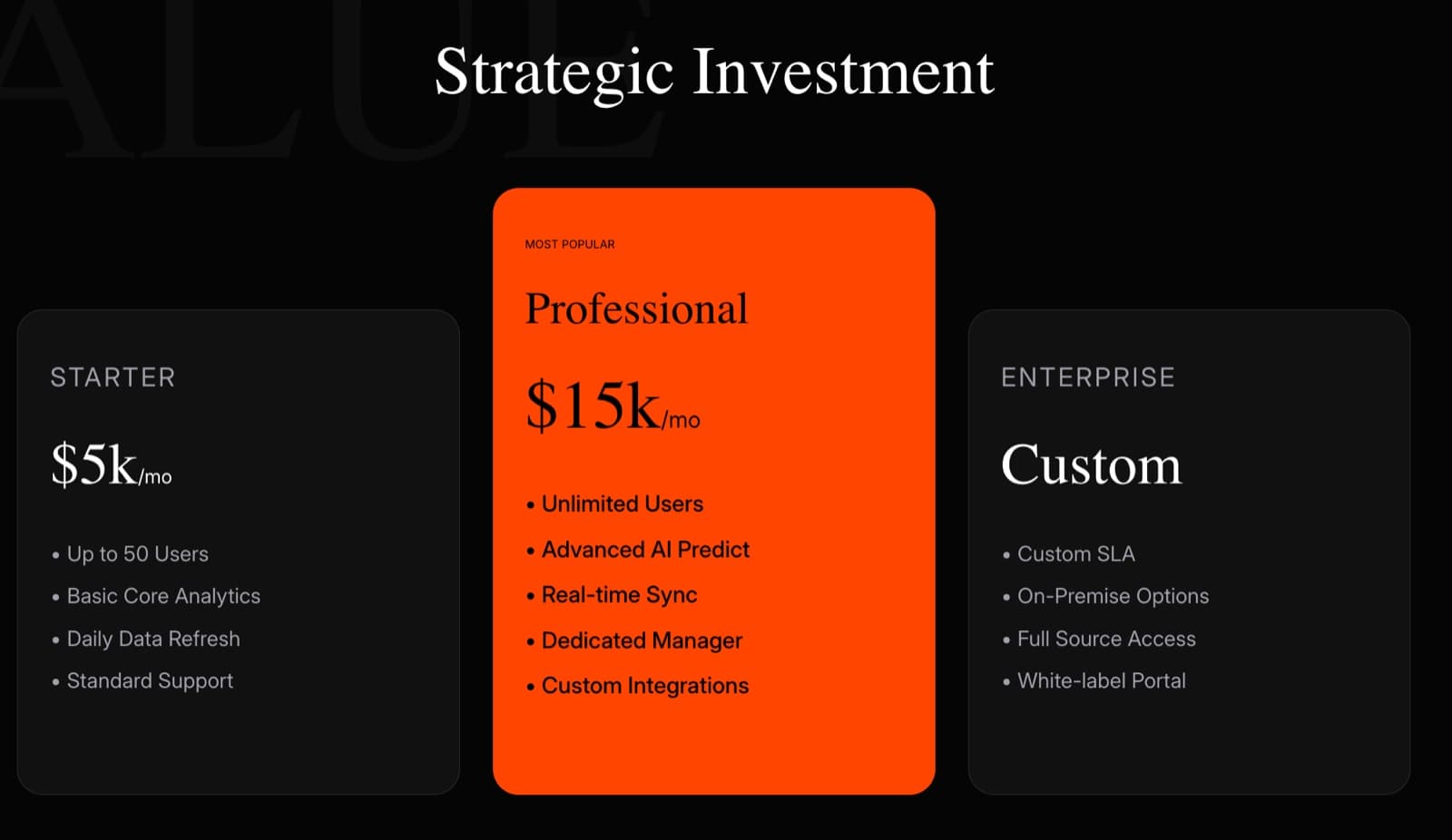
Turn a 40-page proposal PDF into a polished client deck. Pricing, timelines, and scope are restructured into visual slides with infographic layouts — because forwarding a PDF is not presenting.
Research papers to lecture slides
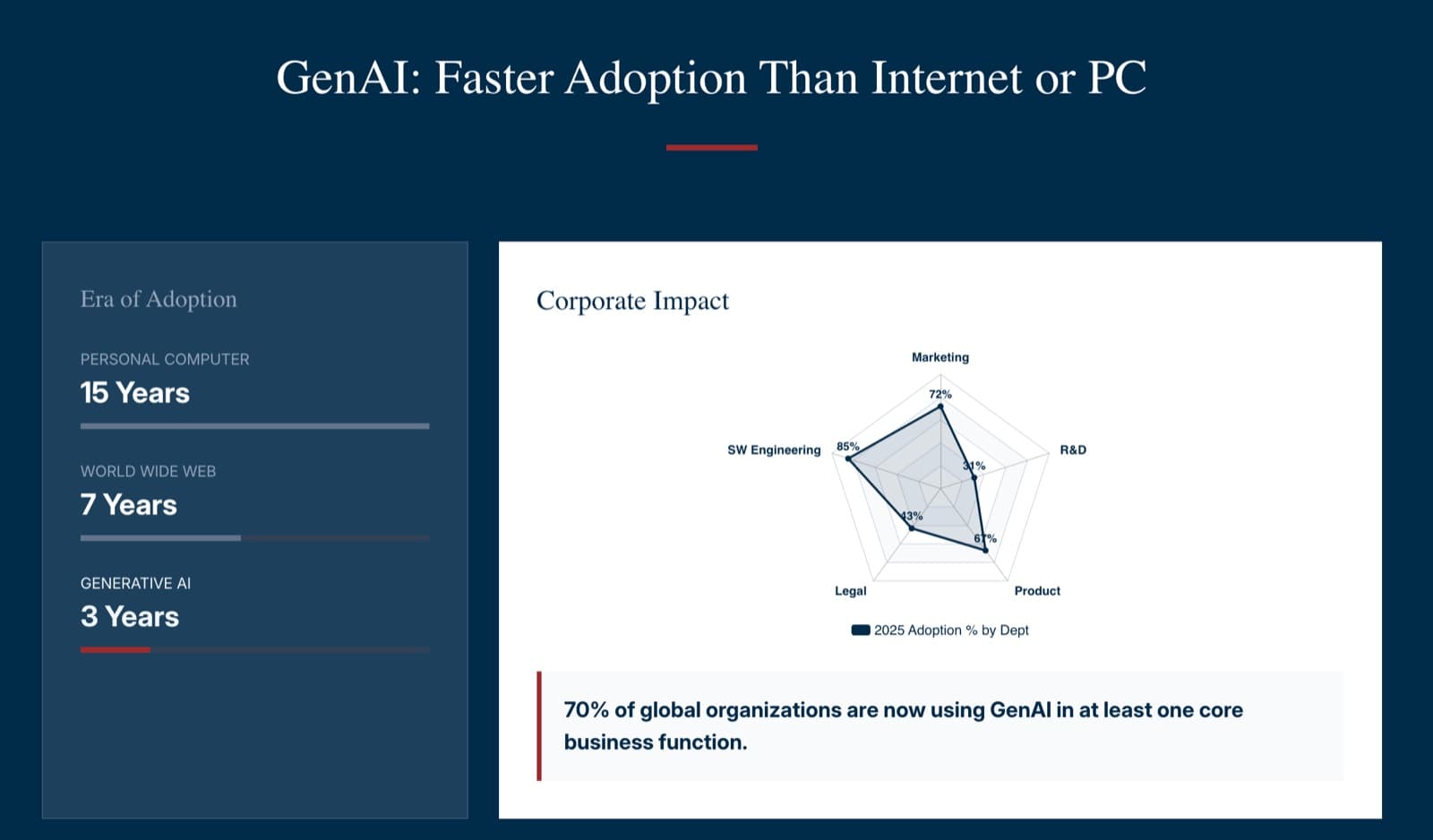
Drop a journal paper PDF. AI reads the methodology, results, and conclusions, then designs lecture slides with diagrams, statistical charts, and visual summaries — so your audience follows the story, not a wall of text.
Course materials to lesson slides
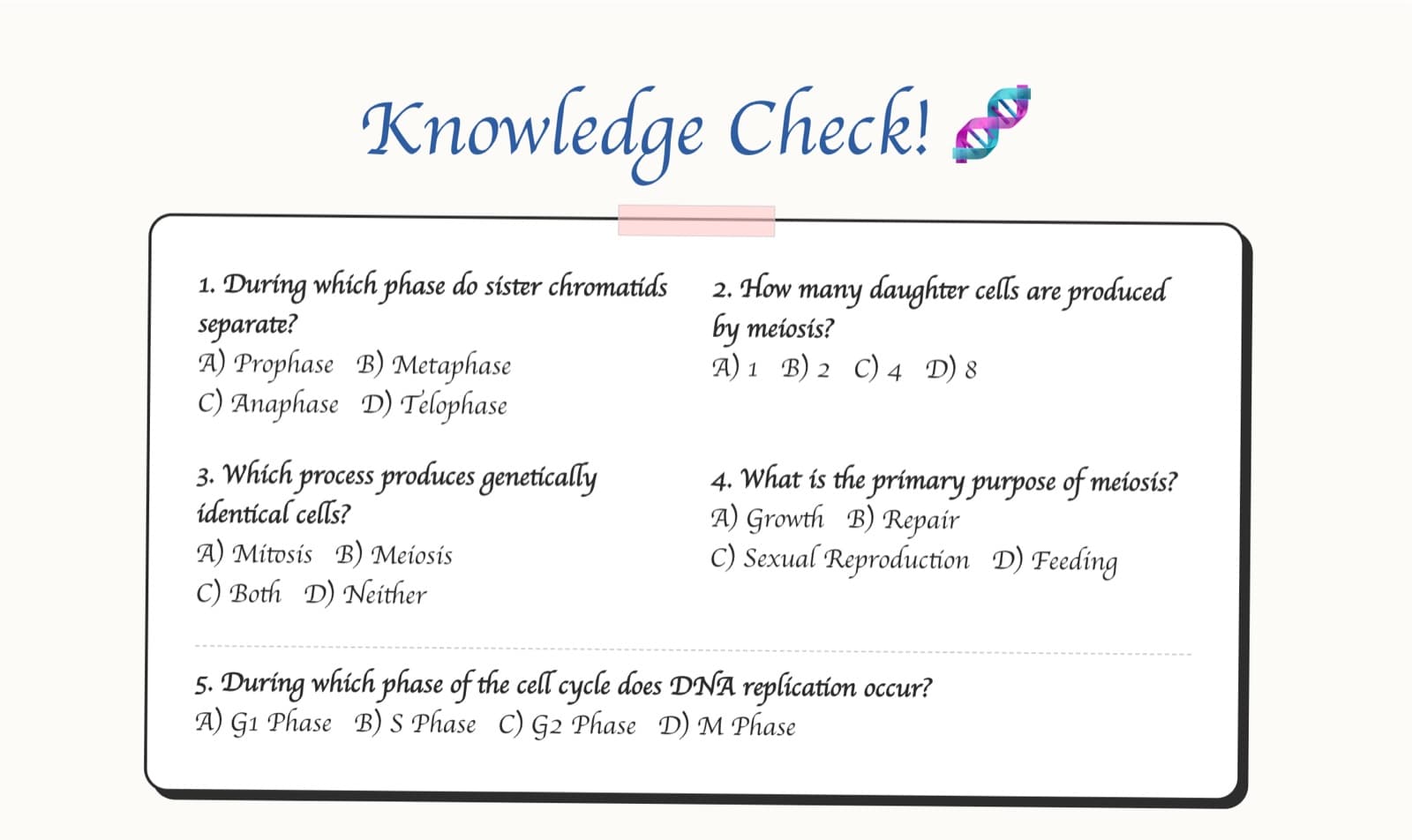
Upload a syllabus, textbook chapter, or curriculum PDF. AI restructures the content into visual lesson slides with diagrams, key concept highlights, and even auto-generated quizzes — ready to present in class.
Reports to team updates
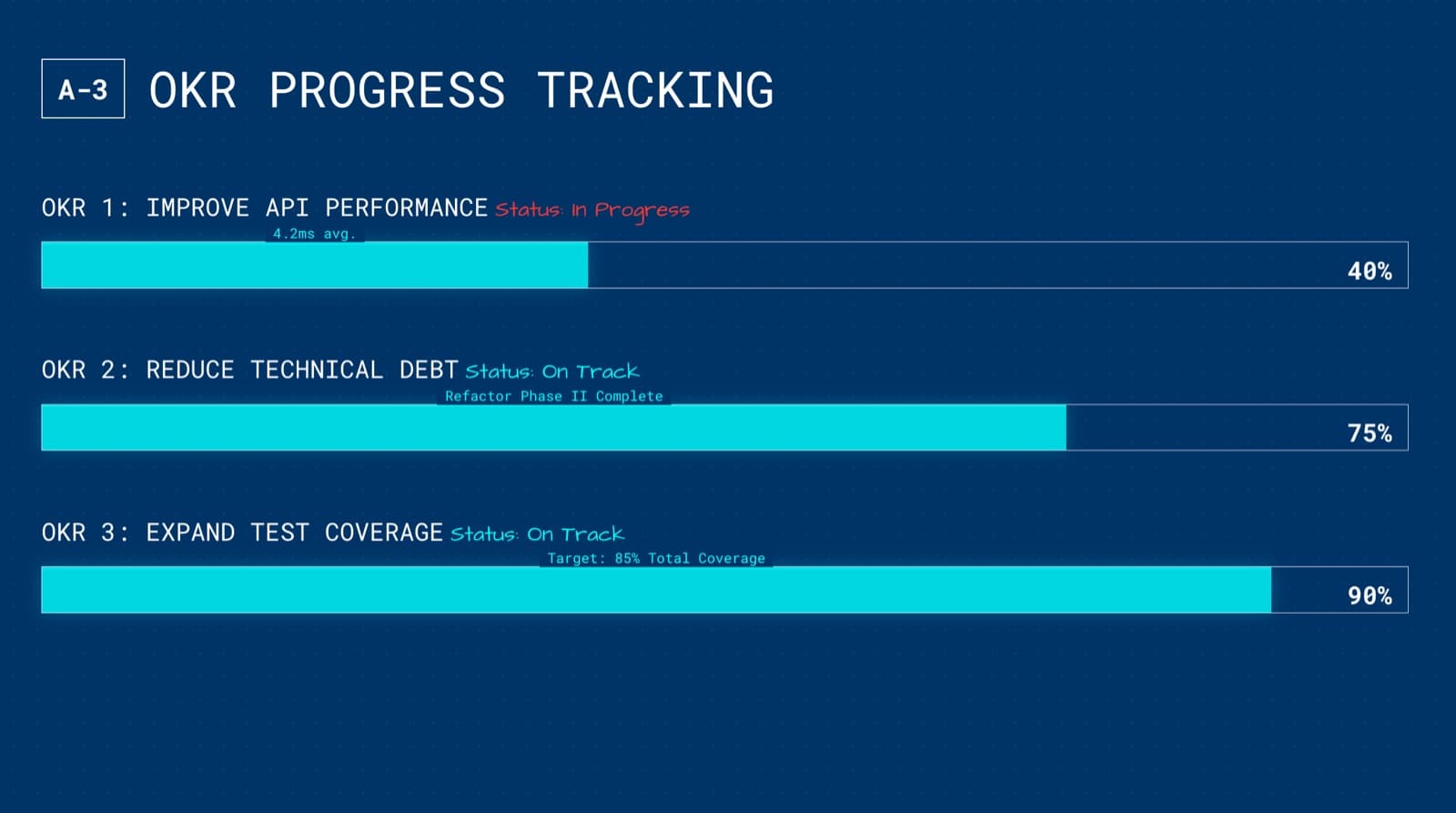
Weekly status reports, OKR updates, post-mortems — drop the PDF, get a slide deck your team will actually read. Dense paragraphs become visual summaries, metrics become charts, and priorities become clear.
Whitepapers to keynote slides
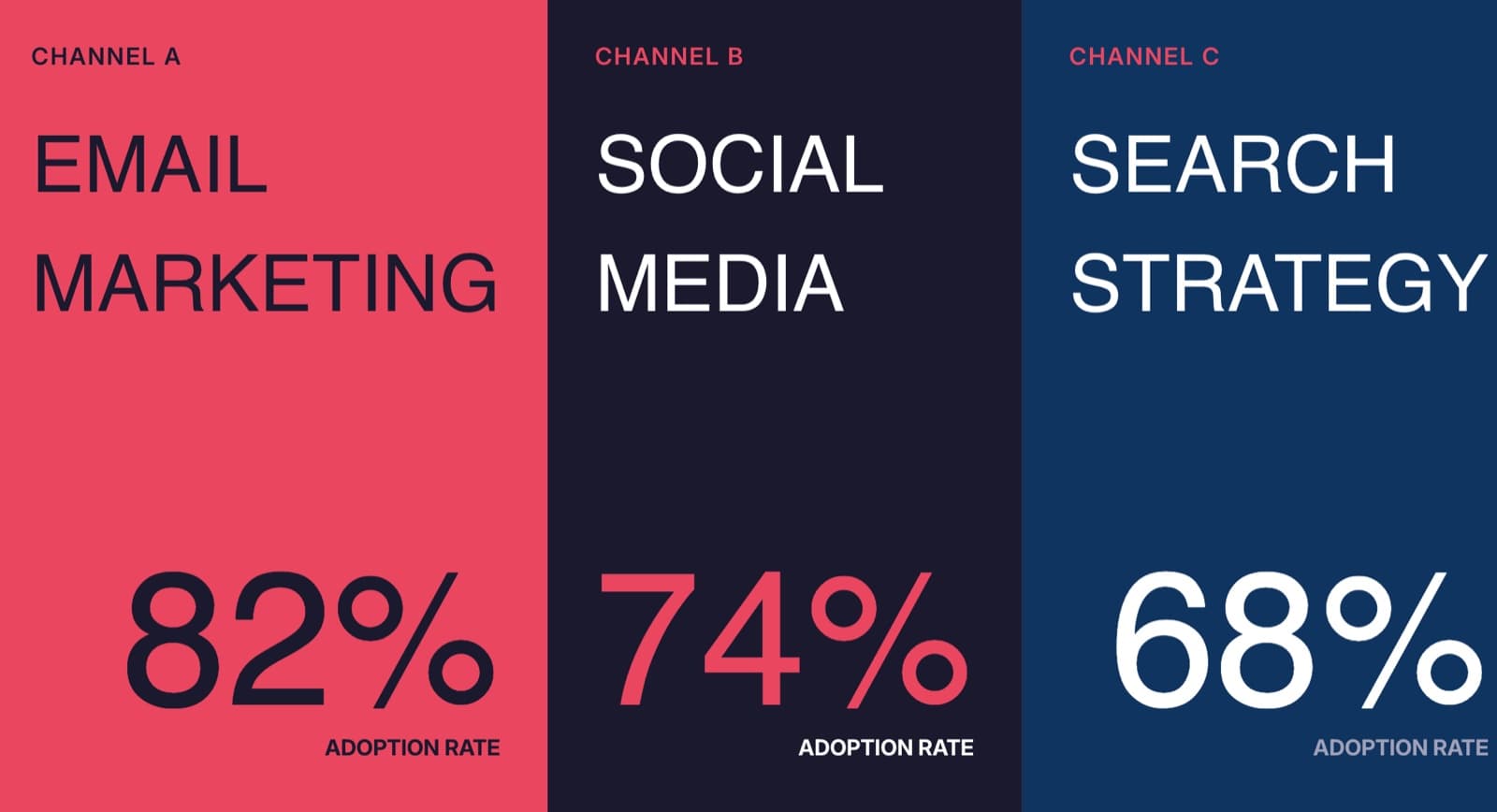
Turn an industry whitepaper or trend report into a keynote your audience will remember. AI pulls the key data points and designs bold, visual slides with charts and callouts — no more reading a PDF on stage.
Frequently Asked Questions
Yes. The free plan includes 1 file with all AI design features and a shareable web link. Pro is $7.49/month billed annually (or $9.99/month billed monthly) for unlimited files, exports, no watermark, team sharing, and priority model access.
| Feature | Free | Pro |
|---|---|---|
| AI-designed slides from PDF content | ✓ | ✓ |
| Data visualization (charts, diagrams) | ✓ | ✓ |
| Shareable interactive web link | ✓ | ✓ |
| File creation | 1 | Unlimited |
| PageOn watermark | Included | Removed |
| Export to PDF / PowerPoint / images | — | ✓ |
| Team sharing | — | ✓ |
| Priority model access | — | ✓ |
Need video instead? iart.ai turns any webpage or document into broadcast-quality motion graphics — also made by our team.
Turn your first PDF into a presentation in minutes
Free to start. No credit card required. Designed slides, not bullet points.
Try PageOn Free