
Turn Your Ideas into
Visual Presentations
With AI
Paste your notes, outline, or topic description. AI builds a complete presentation with custom layouts, generated charts, and visual storytelling — not text on template slides.
Free to start · No credit card · Export to PPTX on Pro

Other tools put your text on slides. PageOn tells your story.
- ✗Split paragraphs across bullet-point templates
- ✗Every slide looks the same — title and list
- ✗Numbers stay as text, no visualization
- ✗Output reads like a teleprompter, not a presentation
- ✓AI interprets your message and builds a visual narrative
- ✓Every slide gets a unique layout tailored to its content
- ✓Mentions of data become charts, timelines, and diagrams
- ✓Infographic-quality slides designed for an audience
PageOn in one sentence: Paste any text and get a designer-quality presentation — with unique slide layouts, AI-generated data visualizations, and infographic elements — not your words dumped onto template slides.
From raw text to visual slides in four steps
- 01
Paste your text or describe your topic
Type notes, paste an outline, or simply describe what you want to present. PageOn also accepts URLs, so you can point it at a web article or report.
- 02
AI structures your narrative
The AI agent reads your input, identifies the key arguments and data, then plans a slide-by-slide storyline that matches your audience and purpose.
- 03
Every slide gets a custom visual design
Charts from your numbers, diagrams from your processes, infographic blocks from your comparisons — each slide is designed individually, not stamped from a template.
- 04
Refine with chat, then share or export
Click any element and ask the AI to adjust it. Share via an interactive web link on any plan, or export to PowerPoint, PDF, and images with Pro.
Have a file instead? PageOn also converts Word docs, CSV spreadsheets, PDFs, Markdown, and images into presentations.
Your words, transformed into visuals
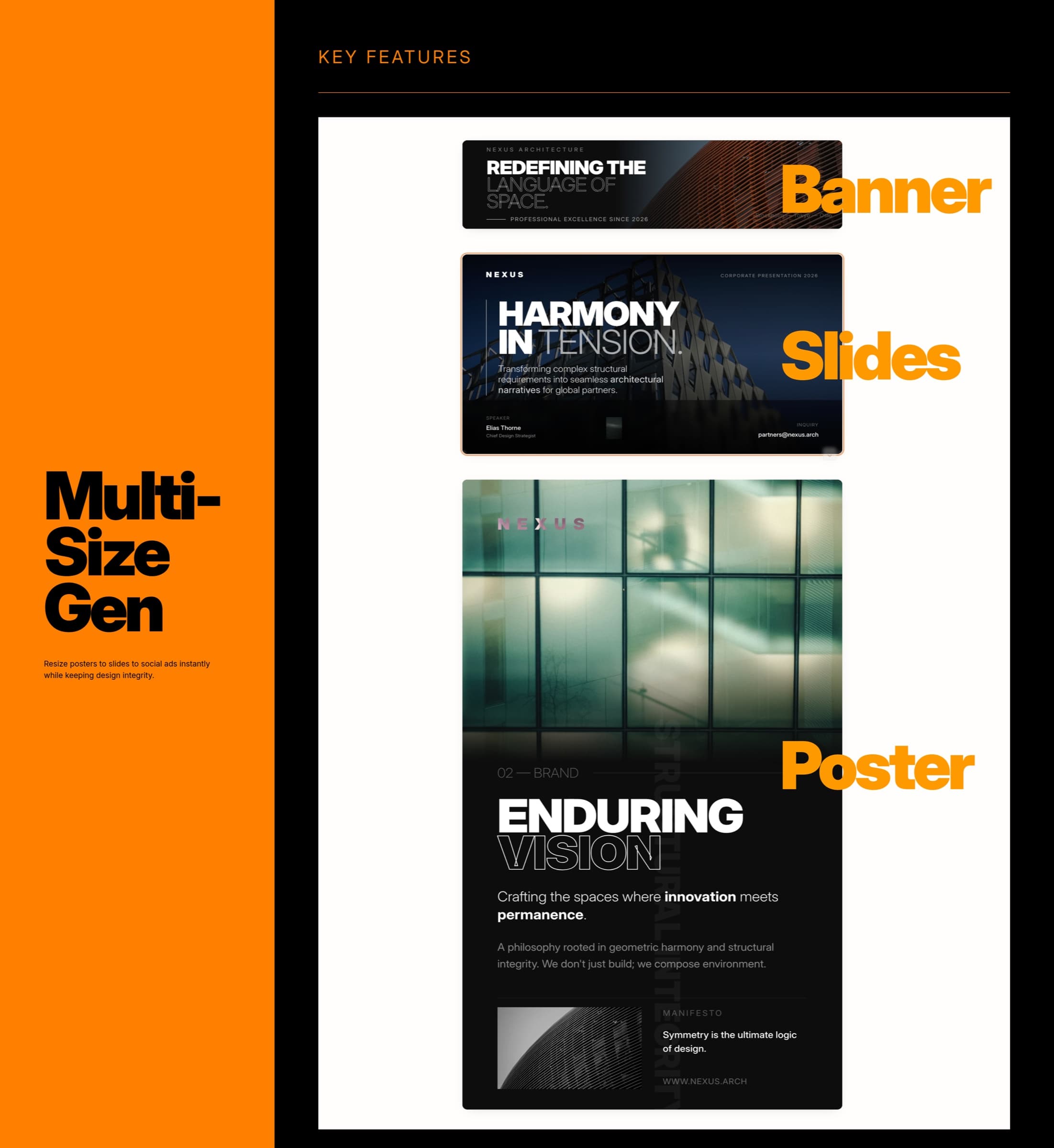
Narrative Intelligence
PageOn reads your text and identifies the storyline — what’s an argument, what’s evidence, what’s a transition — then structures slides around that narrative instead of splitting paragraphs arbitrarily.
Visual Layout Engine
Each slide gets its own composition: hero statements, side-by-side comparisons, multi-column data cards, image-text pairings. No two slides default to the same grid.
Automatic Data Visualization
When your text mentions numbers, percentages, or trends, the AI generates appropriate charts — bar, line, pie, radar, timeline — directly from the text context.
Consistent Visual Identity
Apply your brand colors, fonts, and logo across every slide automatically. The design stays cohesive from first slide to last without manual adjustments.
Any text. Any audience. Presentation-ready.
From meeting notes to keynote scripts — see how teams use PageOn to turn raw text into presentations that land.
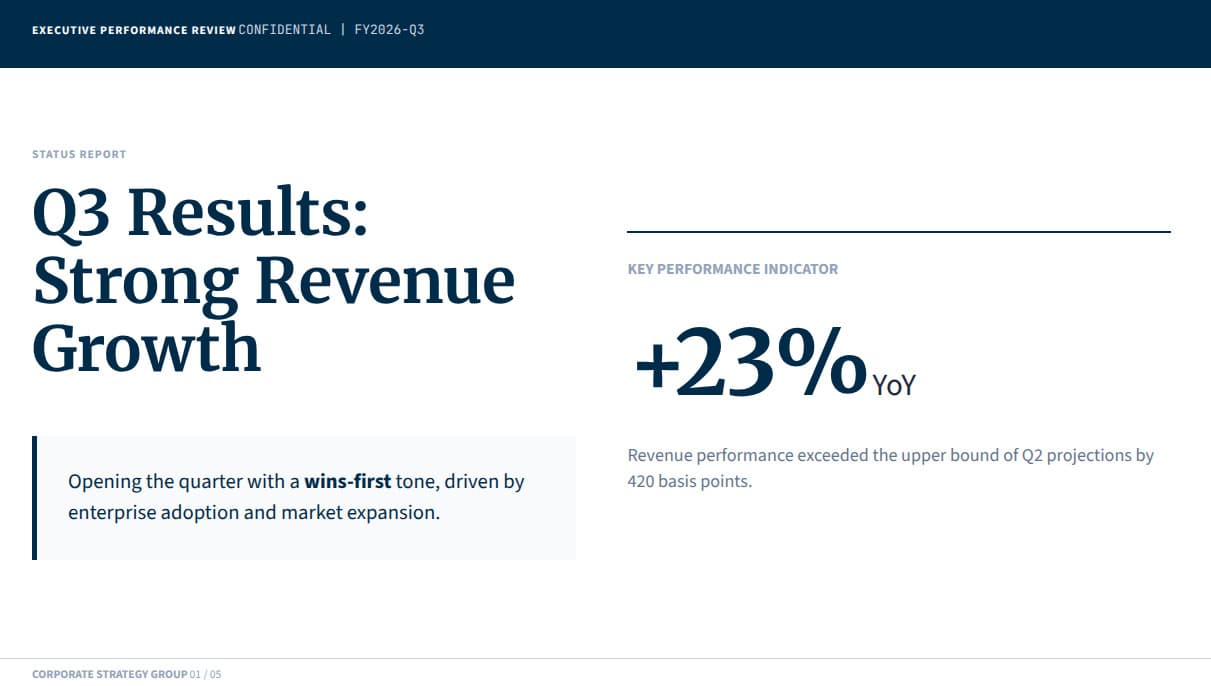
Meeting notes to team updates
Paste your meeting notes or standup summary. PageOn’s AI agent pulls out key decisions, metrics, and action items, then builds a polished deck with status charts and KPI callouts — from a messy paragraph to a boardroom-ready update.
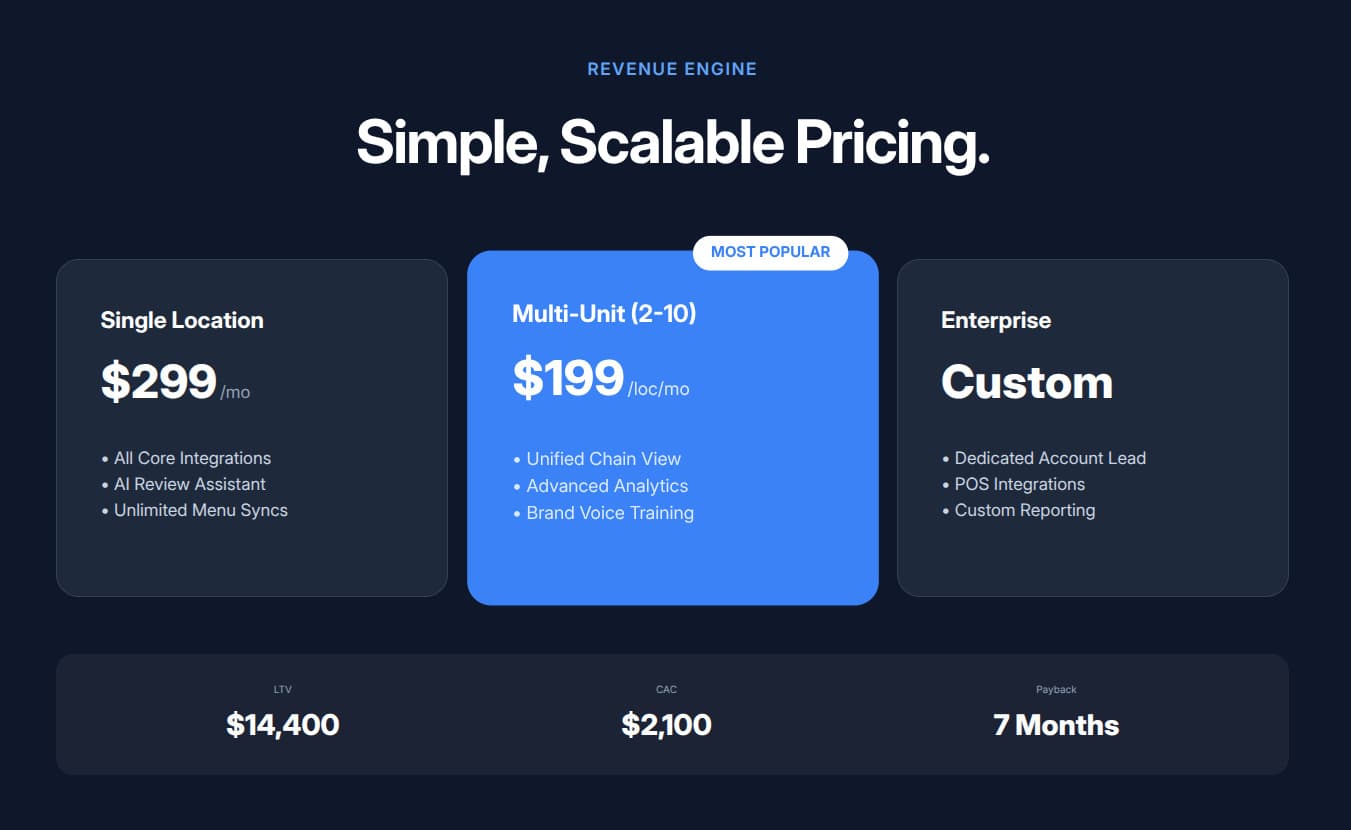
Startup idea to investor pitch
Describe your startup in plain text — problem, solution, market, traction. PageOn’s agent researches your market, structures a narrative, and builds a pitch deck with pricing tables, unit economics, and a clear funding ask.
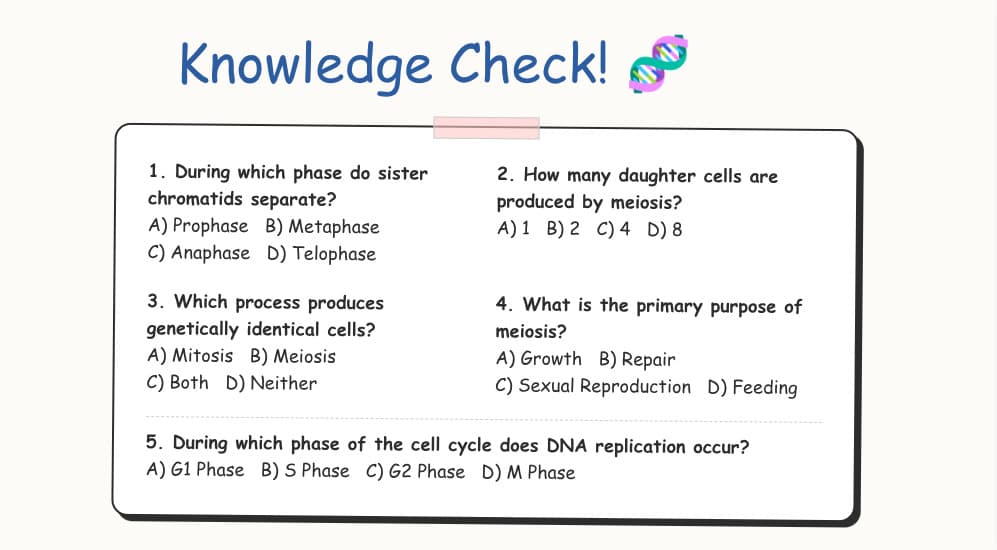
Topic description to lesson slides
Type a topic like “photosynthesis for grade 5” or paste your syllabus outline. AI researches the subject, organizes concepts into visual slides with diagrams and review questions — hours of prep in minutes.
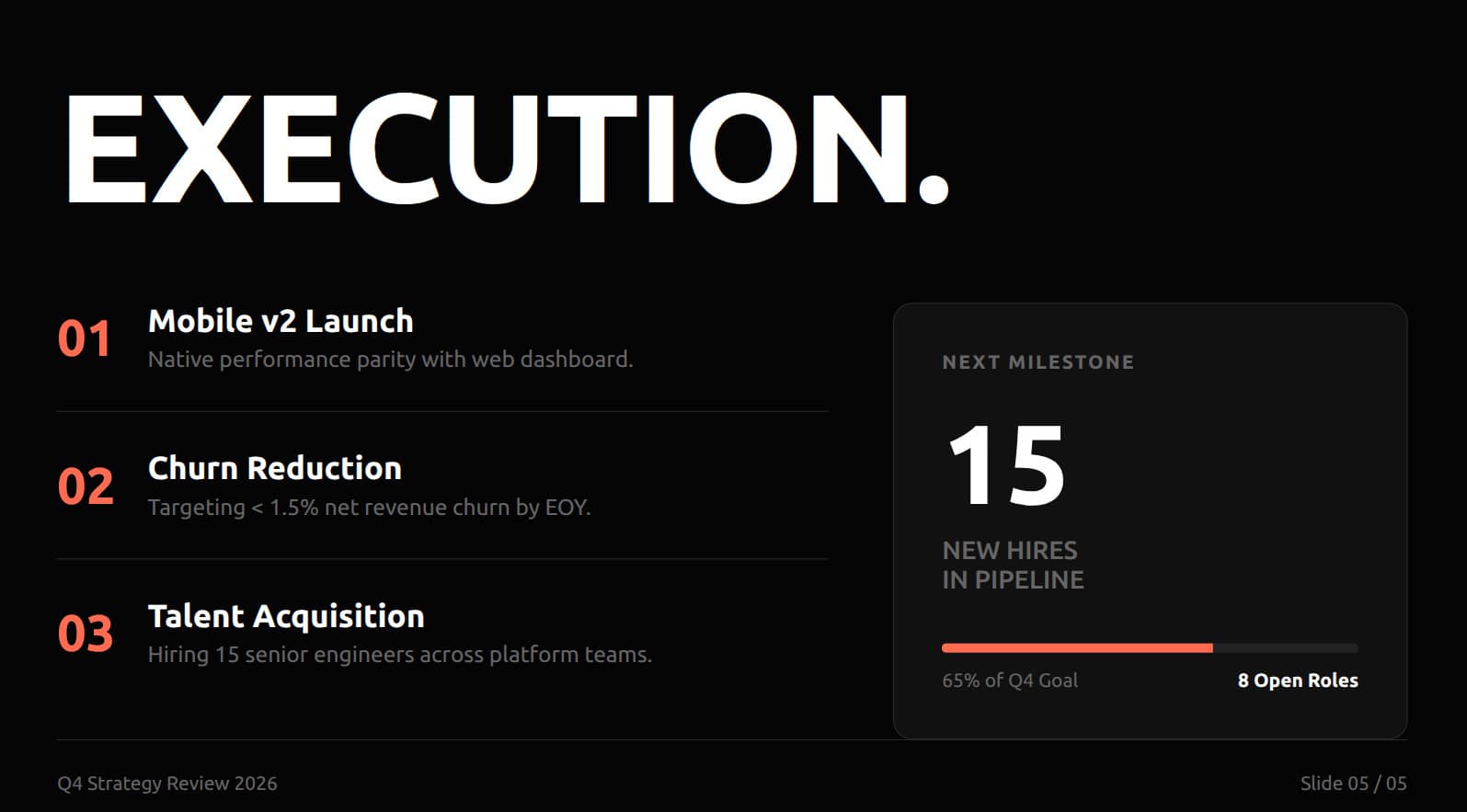
Campaign brief to strategy deck
Paste your campaign goals, target audience, and budget. PageOn turns a rough brief into a visual strategy deck with channel breakdowns, timeline infographics, and ROI projections.
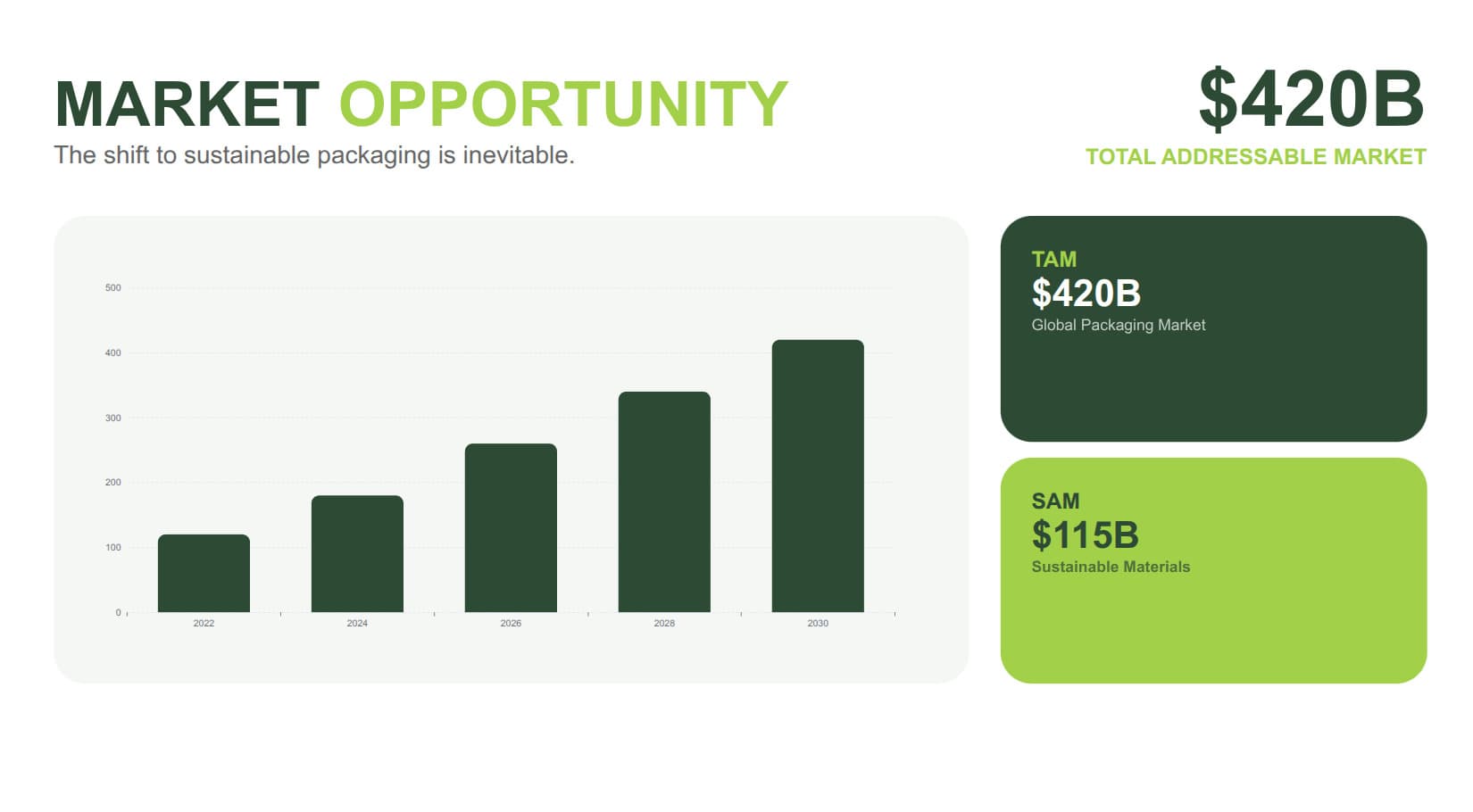
Project scope to client proposal
Type your deliverables, timeline, and budget. Get a polished proposal deck with Gantt-style timelines, pricing tables, and professional layouts — closes deals faster than emailing a text doc.
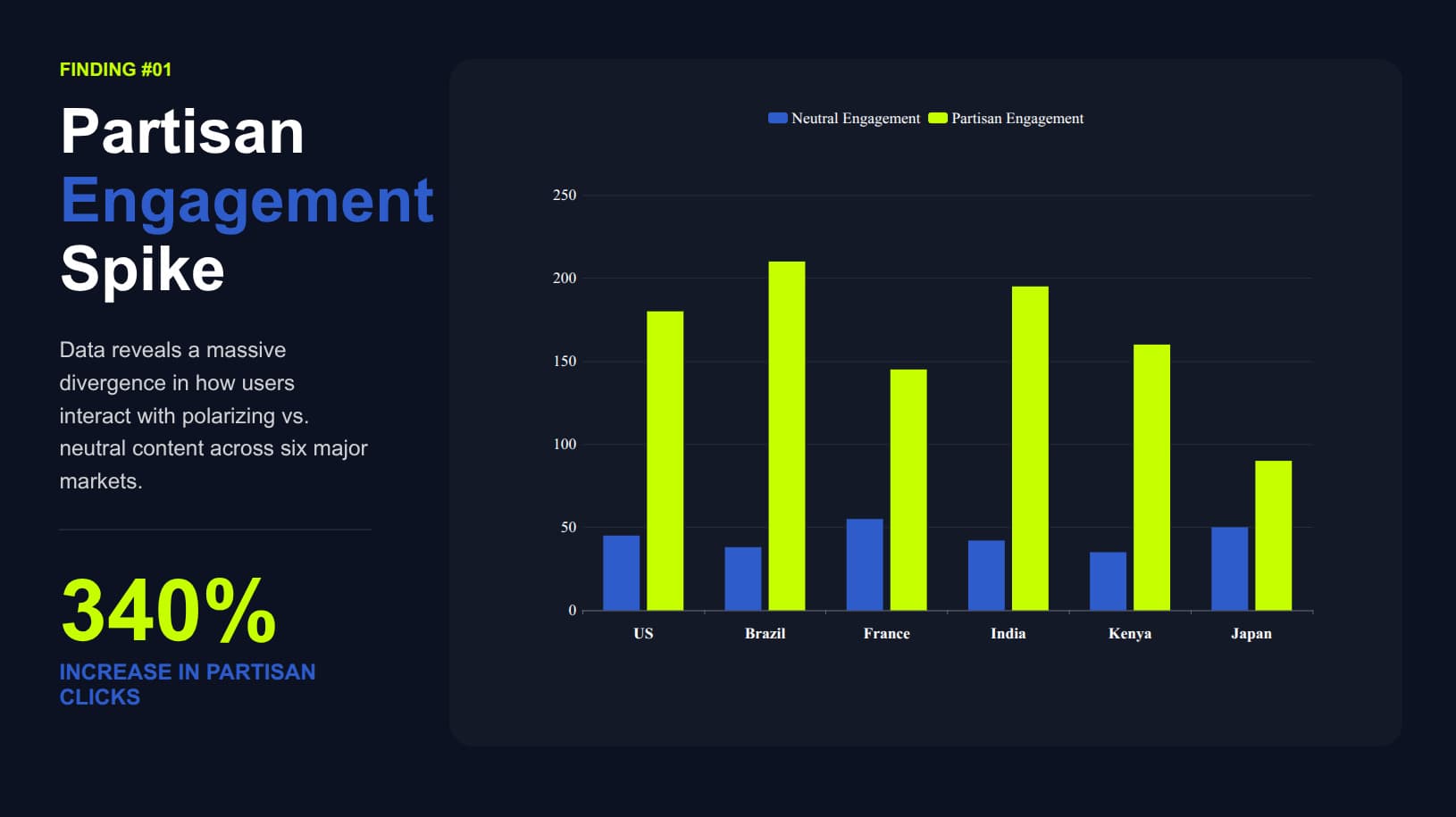
Research notes to conference talk
Paste your research notes or abstract. AI structures the argument, visualizes methodology and findings, and builds slides with statistical charts — ready for a seminar, defense, or conference.
Frequently Asked Questions
Yes. The free plan includes 1 file with all AI design features and a shareable web link. Pro is $7.49/month billed annually (or $9.99/month billed monthly) for unlimited files, exports, no watermark, team sharing, and priority model access.
| Feature | Free | Pro |
|---|---|---|
| AI-designed slides from text | ✓ | ✓ |
| Data visualization (charts, diagrams) | ✓ | ✓ |
| Shareable interactive web link | ✓ | ✓ |
| File creation | 1 | Unlimited |
| PageOn watermark | Included | Removed |
| Export to PDF / PowerPoint / images | — | ✓ |
| Team sharing | — | ✓ |
| Priority model access | — | ✓ |
Need video instead? iart.ai turns any webpage or document into broadcast-quality motion graphics — also made by our team.
Turn your first idea into a presentation in minutes
Free to start. No credit card required. Visual slides, not bullet points.
Try PageOn Free