
Turn Any Word Doc into
Polished Presentation Slides
With AI
Upload a .docx file. AI reads your document and designs a visual presentation — custom layouts, generated charts, infographic elements. Not your paragraphs copy-pasted onto template slides.
Free to start · No credit card · Export to PPTX on Pro
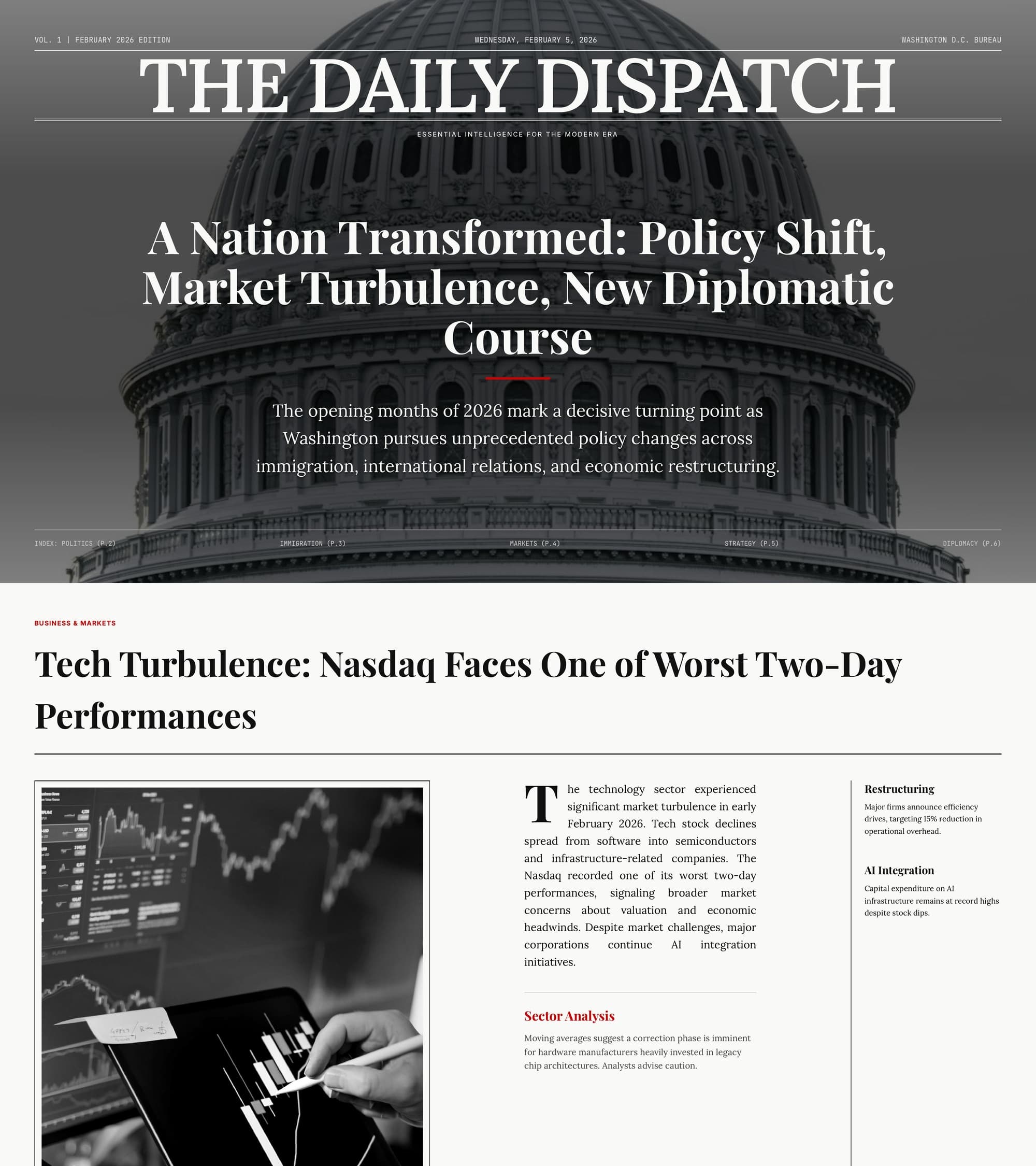
Word’s built-in export makes ugly slides. PageOn designs them.
- ✗Splits paragraphs into text-heavy slides with no visual structure
- ✗Ignores document hierarchy — H2s and H3s get the same treatment
- ✗Tables and data stay as raw text, never visualized
- ✗Hours of manual formatting to make slides presentable
- ✓AI maps your heading hierarchy to a logical slide narrative
- ✓Each heading level becomes the right slide element — titles, subtitles, section breaks
- ✓Tables and numbers become charts, timelines, and comparison grids
- ✓Upload once, get a polished deck in minutes with zero manual formatting
PageOn in one sentence: Upload a Word document and get a designer-quality presentation — with your heading structure preserved, tables turned into visual charts, and every slide individually designed — not your paragraphs dumped onto blank slides.
From .docx to designed slides in four steps
- 01
Upload your Word document
Drag in any .docx file — reports, proposals, whitepapers, or thesis drafts. PageOn also accepts PDFs, plain text, URLs, CSV files, and images.
- 02
AI reads your document structure
The AI agent parses your headings, subheadings, lists, tables, and body text. It identifies the logical sections and builds a slide-by-slide outline that mirrors your document’s organization.
- 03
Every slide gets a custom visual layout
Comparison sections become side-by-side grids. Data tables become bar and pie charts. Process descriptions become step diagrams. Each slide is designed individually, not stamped from a single template.
- 04
Refine with chat, then share or export
Click any element and ask the AI to adjust it. Add slides, reorder sections, or change the visual style. Share via an interactive web link on any plan, or export to PowerPoint, PDF, and images with Pro.
Have a different file format? PageOn also converts plain text and outlines, CSV spreadsheets, PDFs, Markdown, and images into presentations.
Your document, redesigned as a presentation
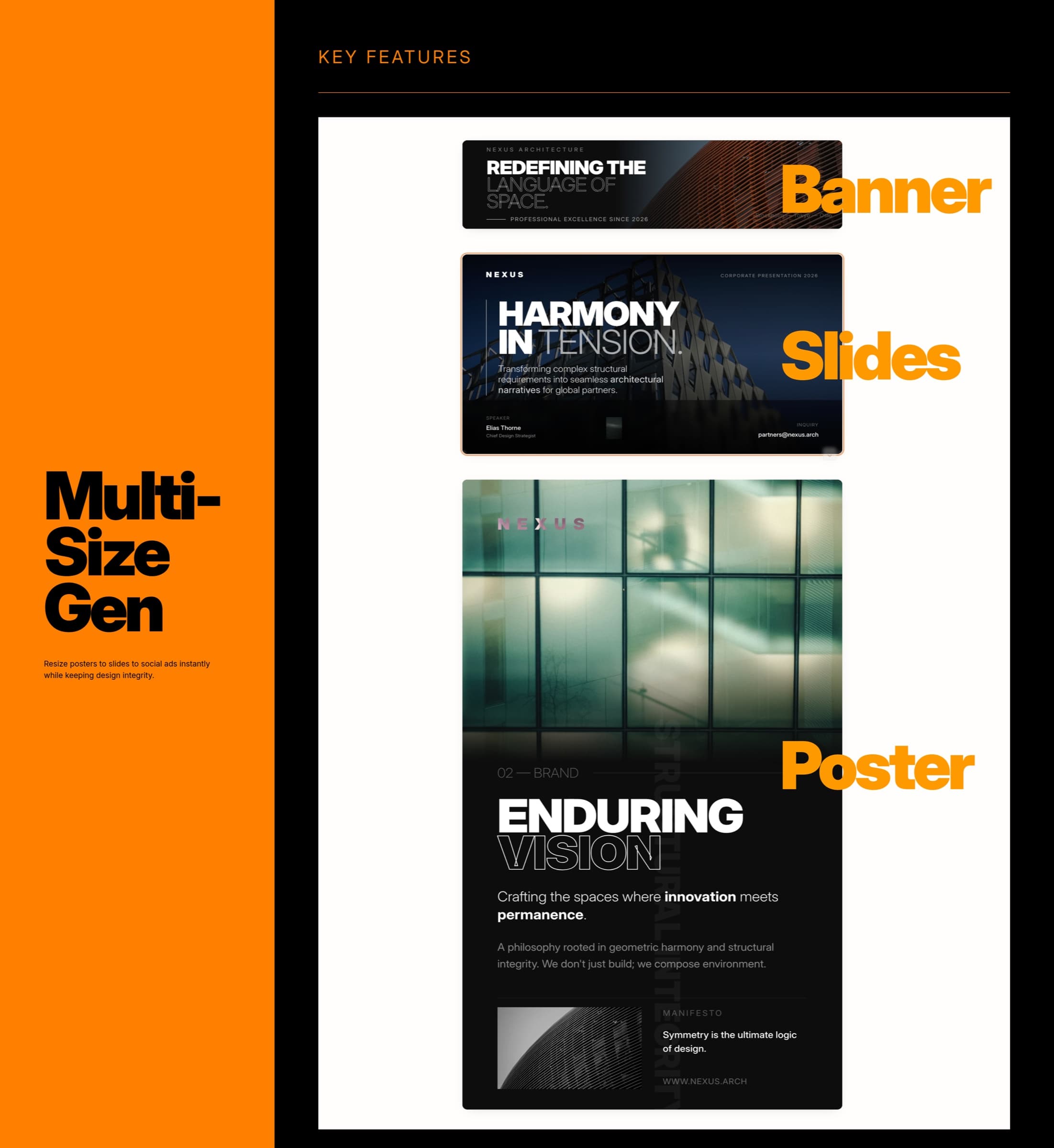
Heading-to-Slide Mapping
PageOn reads your Word document’s heading hierarchy — H1s become section dividers, H2s become slide titles, H3s become content blocks — so your presentation mirrors the logical structure you already wrote.
Table and Data Conversion
Tables in your Word doc don’t stay as flat grids. The AI identifies the data type and converts them into appropriate visualizations — bar charts, pie charts, comparison matrices, or timeline infographics.
List and Process Detection
Numbered steps become process diagrams. Bullet points become visual cards or icon grids. The AI recognizes whether your list is sequential, comparative, or categorical and designs the layout accordingly.
Consistent Visual Identity
Apply your brand colors, fonts, and logo across every slide automatically. Whether your Word doc has styling or not, the output maintains a cohesive design from the title slide to the conclusion.
Any Word doc. Any audience. Presentation-ready.
From business plans to legal briefs — see how teams convert their Word documents into presentations that communicate visually.

Business plans to strategy decks
Upload your Word business plan. PageOn reads your market analysis, revenue model, and competitive landscape, then builds a visual deck with TAM/SAM/SOM breakdowns, growth charts, and a clear investment thesis.

Meeting minutes to board summaries
Convert your Word meeting minutes into a visual recap deck. Revenue and KPIs become chart callouts, budget decisions become highlight cards, action items become trackable slides with progress indicators.
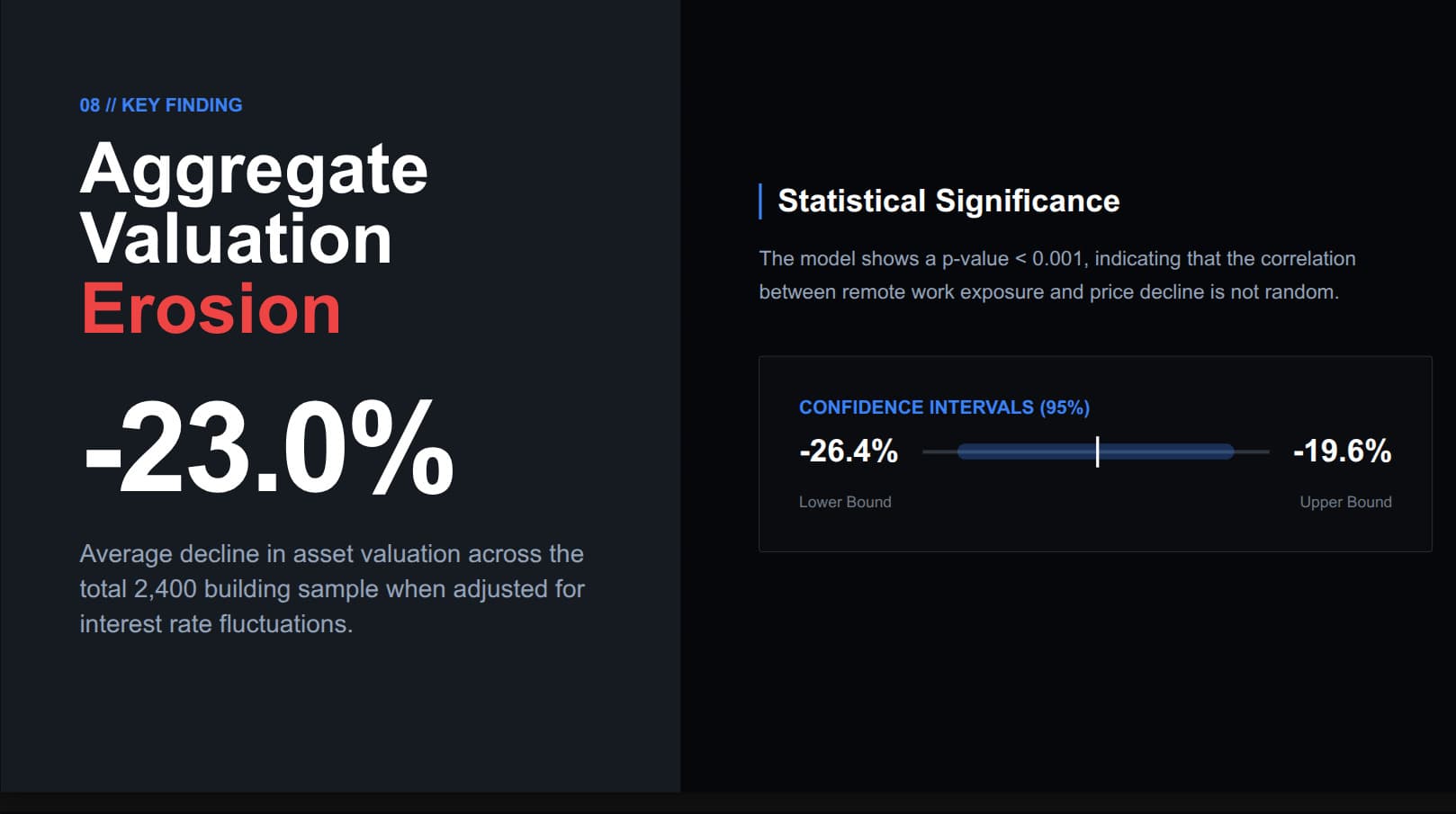
Thesis chapters to defense slides
Upload your dissertation draft in Word. AI maps chapters to a defense narrative — literature review becomes comparison frameworks, methodology becomes visual diagrams, key findings become data-rich slides with confidence intervals and statistical charts.
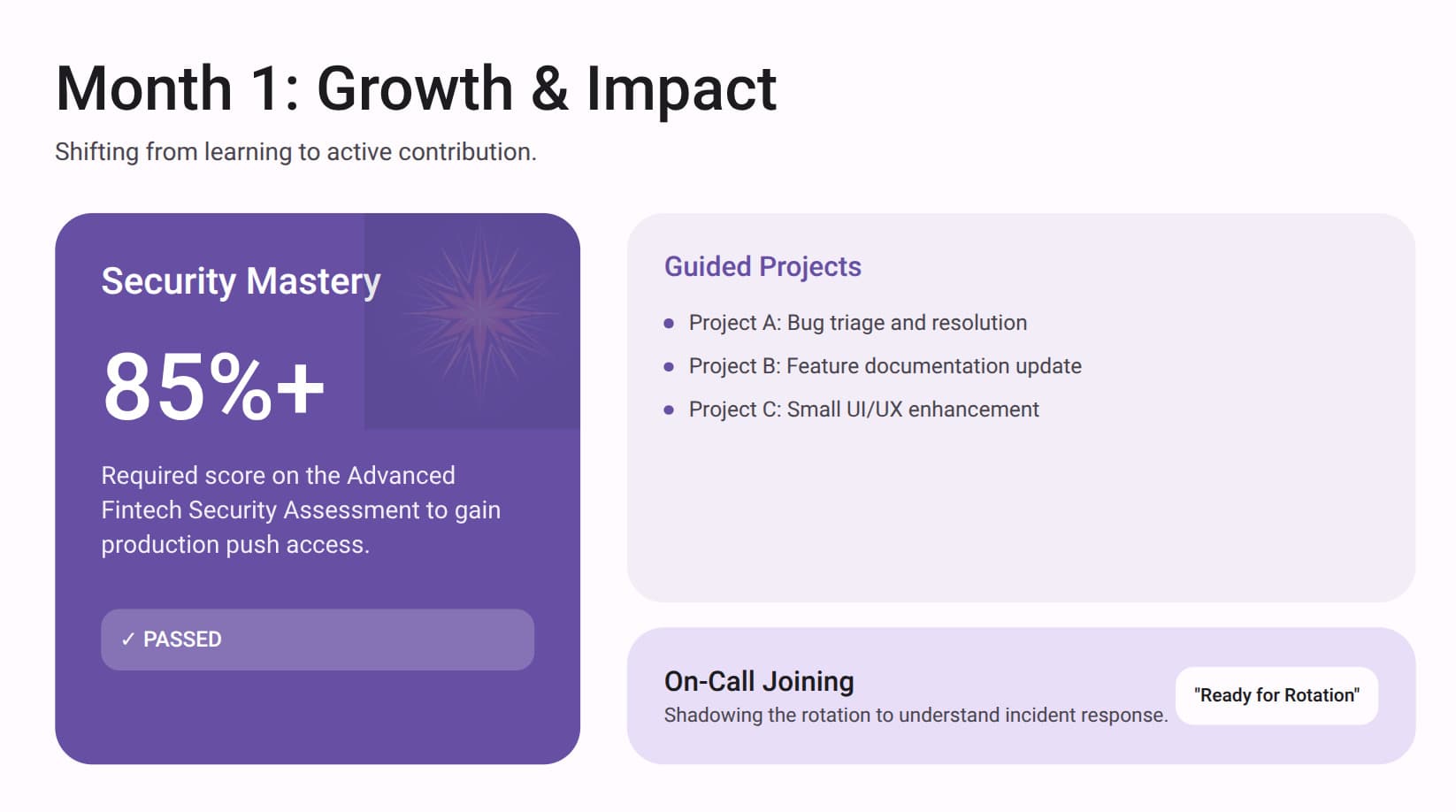
SOPs to training presentations
Turn standard operating procedures into visual training decks. Compliance checklists become progress trackers, certification requirements become milestone cards, and multi-week onboarding plans become clear visual timelines.
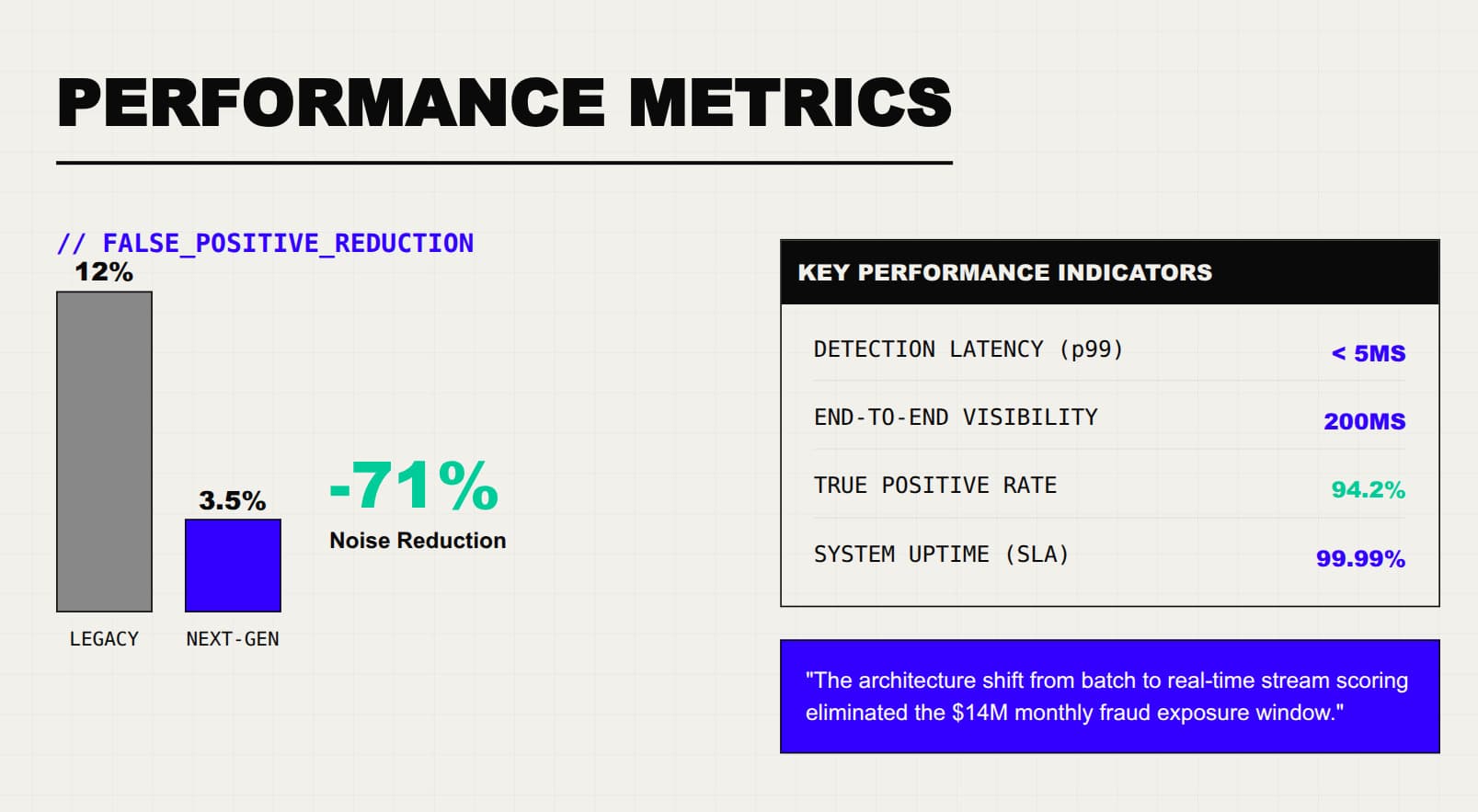
Project specs to stakeholder updates
Upload your technical specification or architecture doc. PageOn extracts performance targets, system metrics, and architecture decisions, then builds a stakeholder deck with before/after comparisons, KPI dashboards, and implementation roadmaps.
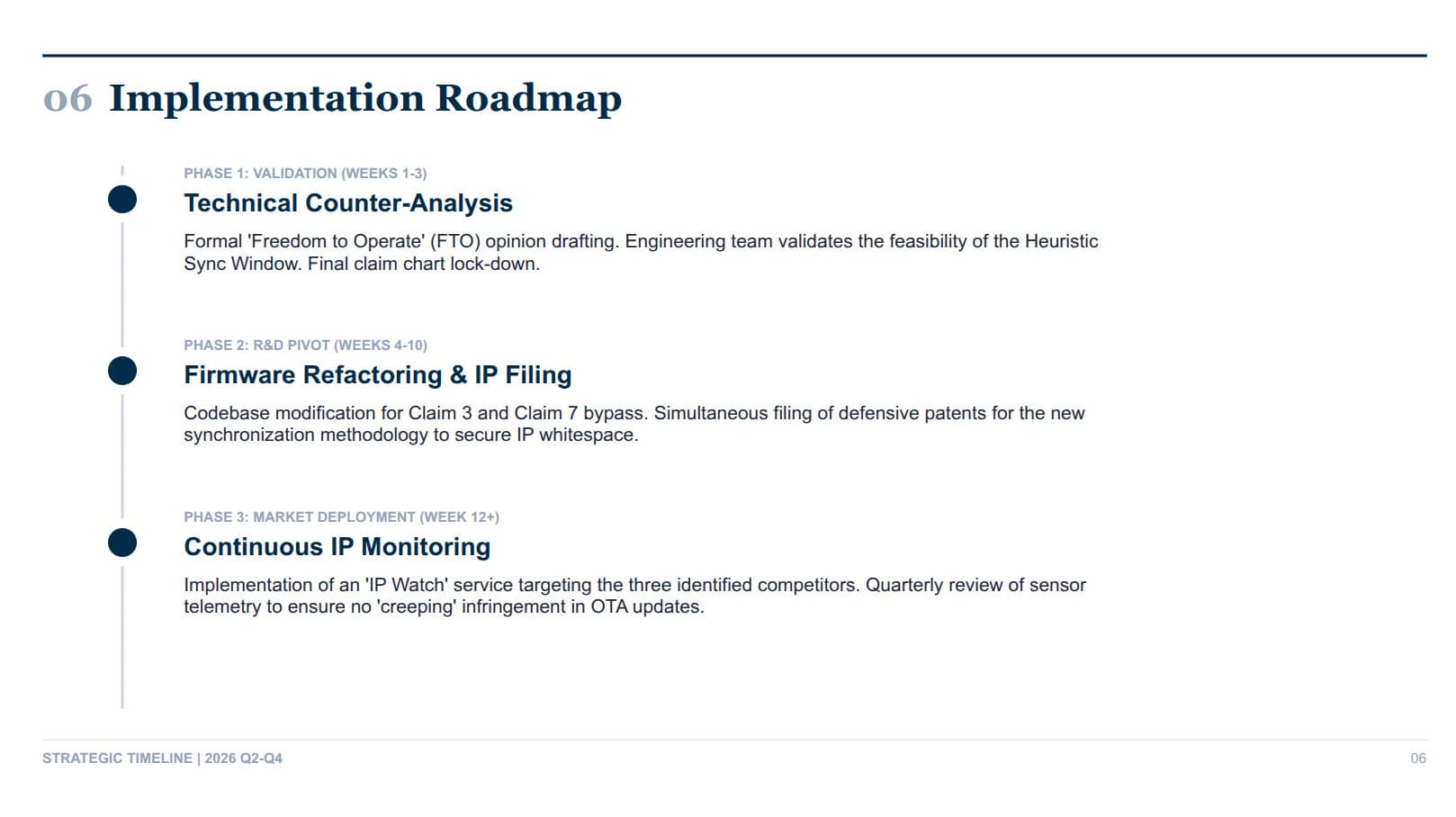
Legal briefs to case summaries
Convert legal memoranda and patent analyses into presentation format. Claim charts become visual comparison tables, prior art references become organized evidence slides, and strategic recommendations become phased implementation roadmaps.
Frequently Asked Questions
Yes. The free plan includes 1 file with all AI design features and a shareable web link. Pro is $7.49/month billed annually (or $9.99/month billed monthly) for unlimited files, exports, no watermark, team sharing, and priority model access.
| Feature | Free | Pro |
|---|---|---|
| AI-designed slides from Word docs | ✓ | ✓ |
| Heading hierarchy preservation | ✓ | ✓ |
| Table-to-chart conversion | ✓ | ✓ |
| Shareable interactive web link | ✓ | ✓ |
| File creation | 1 | Unlimited |
| PageOn watermark | Included | Removed |
| Export to PDF / PowerPoint / images | — | ✓ |
| Team sharing | — | ✓ |
| Priority model access | — | ✓ |
Need video instead? iart.ai turns any webpage or document into broadcast-quality motion graphics — also made by our team.
Convert your first Word doc into a presentation in minutes
Free to start. No credit card required. Your document structure, beautifully designed.
Try PageOn Free